Shareable Class Links
Sometimes you want to promote one class — an intro session, a trial slot, a workshop — without exposing your whole schedule. A shareable class link does exactly that: it is a public URL for a single session that anyone can open and sign up for as a guest, with no account.
This is the single-class cousin of the whole-catalog Public Booking Page. Use a share link for a targeted invite; use
/bookto open your entire group schedule.
Creating a link
Section titled “Creating a link”- Open the session you want to share from the calendar or schedule.
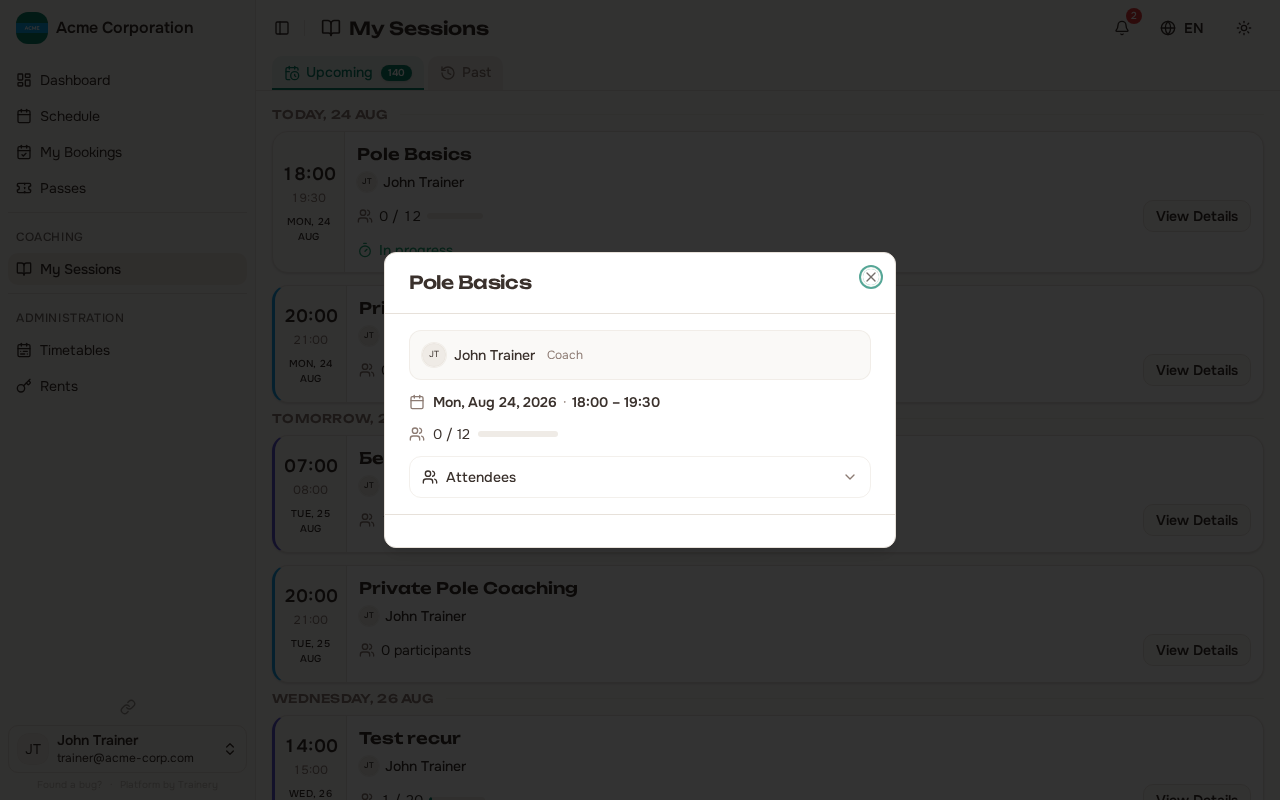
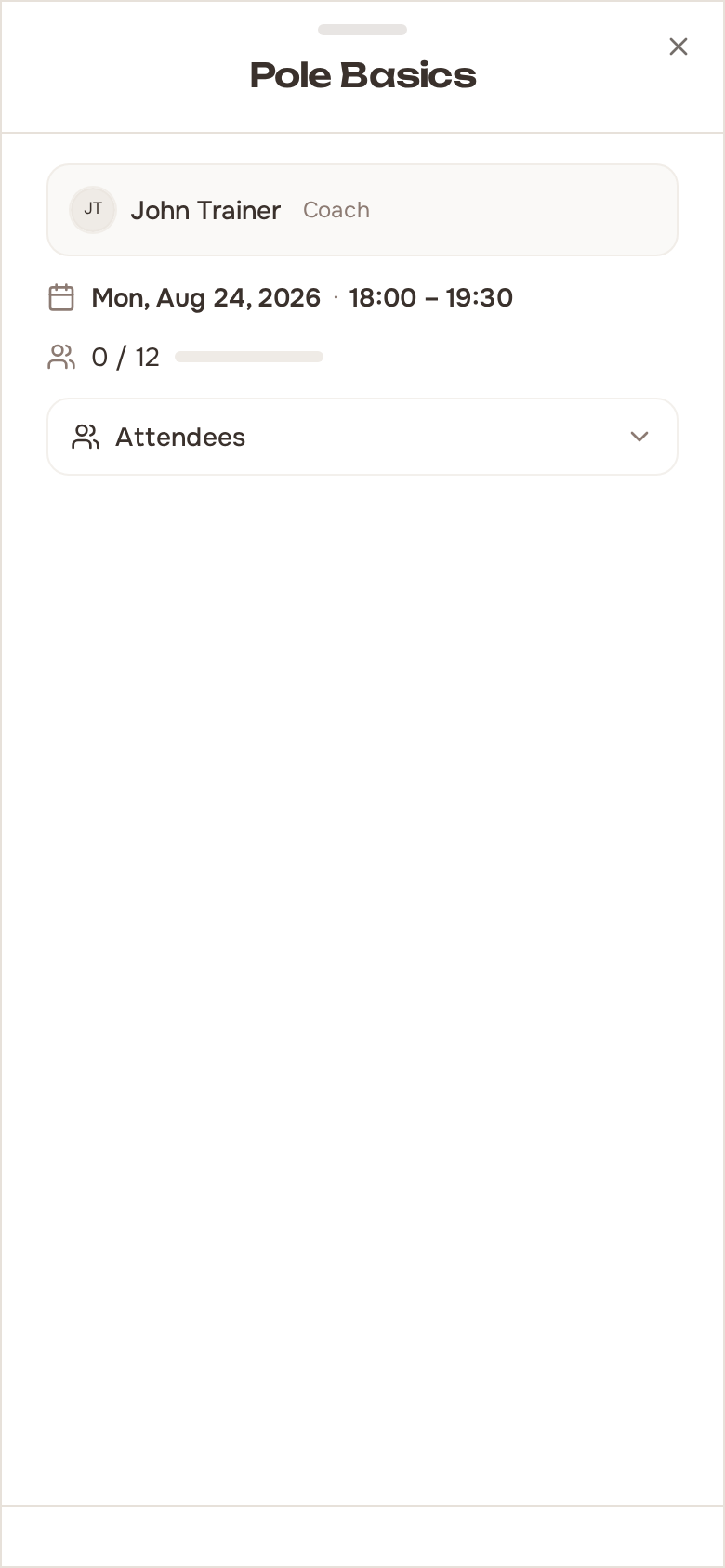
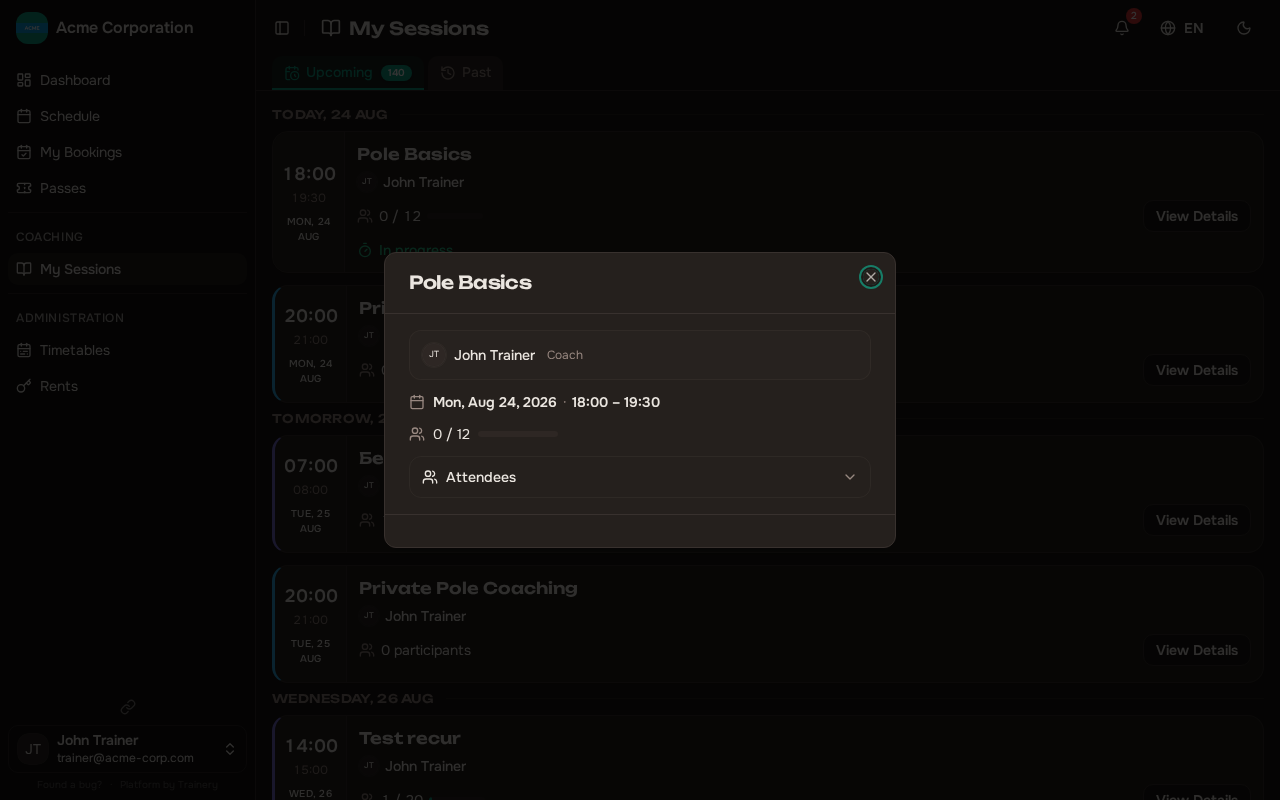
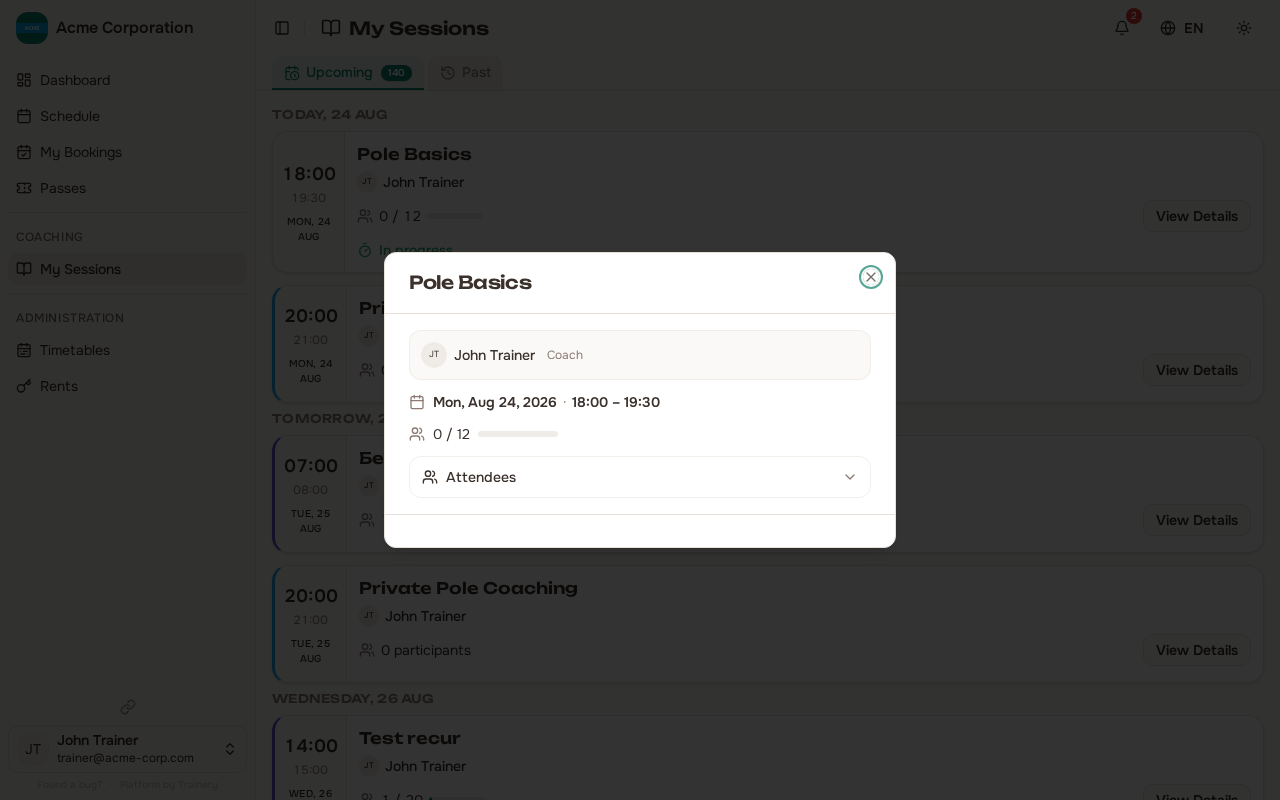
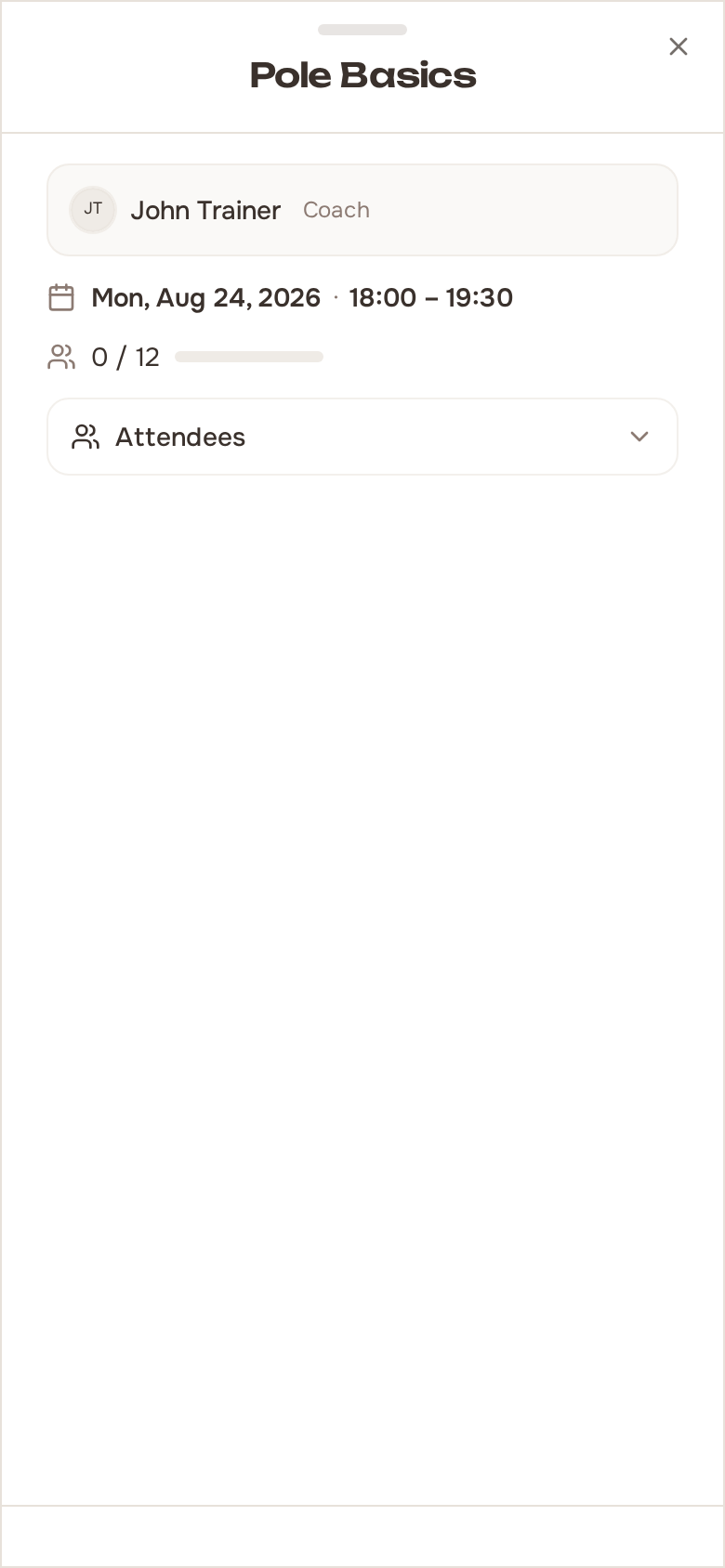
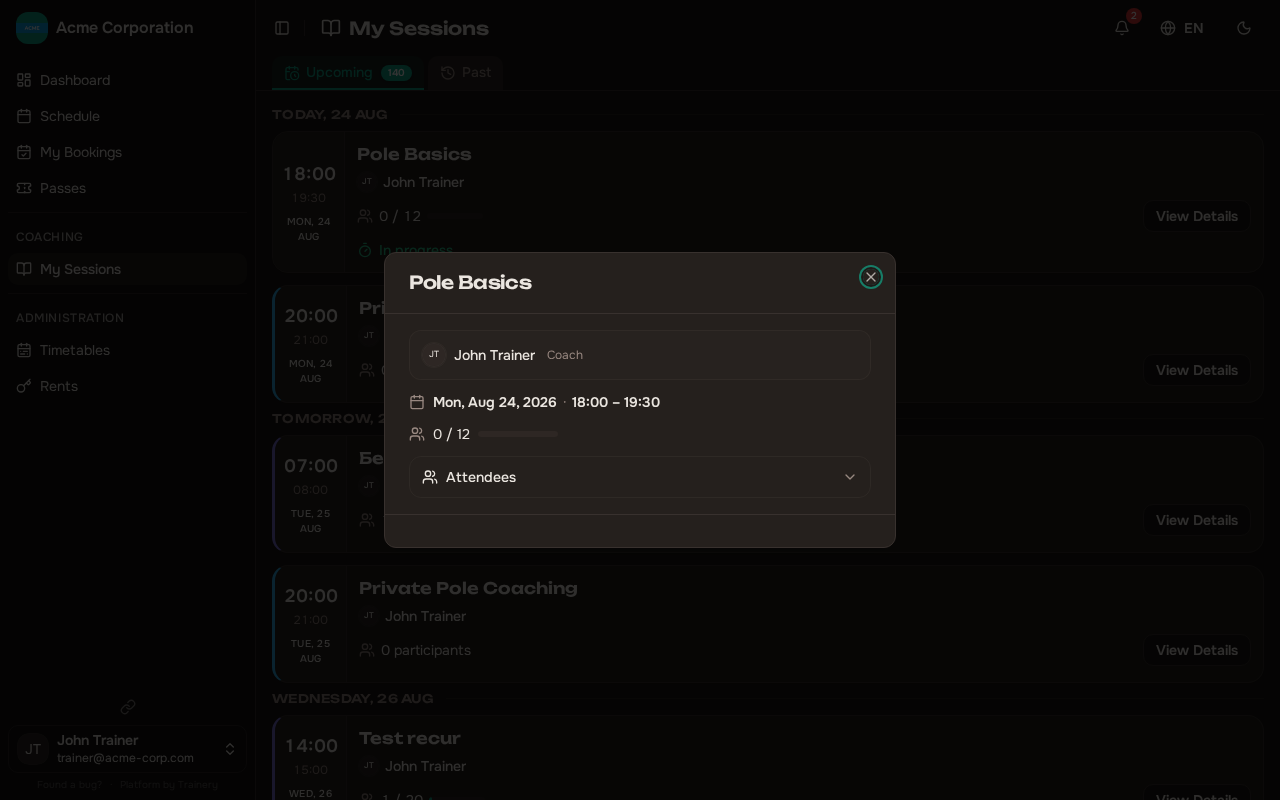
- In the session detail panel, click Share signup link.
- A public link is generated. Click Copy link and send it however you like — a message, an email, social media.
Anyone with the link can sign up for that class. There is nothing else to configure.
Revoking a link
Section titled “Revoking a link”If you no longer want the link to work, open the same session and click Revoke link. The link stops working immediately.
Re-sharing later creates a fresh link — any copies of the old one stay dead. So revoking is a safe way to shut off a link that spread further than you intended.
What the guest sees
Section titled “What the guest sees”Opening the link takes the prospect to a focused signup page for that one class. They see the class name, time, trainer, and price, then fill in a short form:
- Name — required.
- Email — required.
- Phone — optional.
The booking is confirmed immediately (pay on arrival). If the class is full and your waitlist is enabled, they join the waitlist instead.
Just like the public booking page, the guest receives one email with the booking details, a set-up-account link, and a no-login cancel link. Booking creates a guest member in your organization, which you can later convert to a full account — see Guest Members.
If a link is no longer usable — revoked, or the class was cancelled or has already happened — the page shows a clear “this link isn’t available” message instead of a signup form.
Members who are already logged in
Section titled “Members who are already logged in”If someone who already has an account opens the link while logged in, they get a one-click booking. If they try to sign up with an email that already has an account, they are prompted to log in rather than creating a duplicate.