Role Management
As an owner, you have the highest level of control in your organization. You inherit all admin and trainer capabilities, and you gain exclusive abilities around role assignment and member management that no other role has access to.
Owner capabilities
Section titled “Owner capabilities”Owners can do everything admins can, plus the following:
- Invite new owners: When sending an invitation, you can select the Owner role – admins are limited to Member, Trainer, and Admin.
- Promote any member to owner: Change any existing member’s role to Owner.
- Demote an owner: Change another owner’s role down to Admin, Trainer, or Member.
- Remove another owner: Revoke another owner’s access to the organization.
- Manage all members regardless of role: Admins can only manage members with roles below their own, but owners can manage everyone.
- Assign any role: You can set any member to any role – Member, Trainer, Admin, or Owner.
Last owner protection
Section titled “Last owner protection”Trainery ensures that your organization always has at least one owner. This means:
- You cannot demote yourself if you are the only owner.
- You cannot remove yourself if you are the only owner.
- You cannot demote or remove the last remaining owner.
If you need to step down as owner, first promote another member to the Owner role, then ask them to change your role.
Role hierarchy
Section titled “Role hierarchy”The table below summarizes what each role can do in terms of managing other members:
| Role | Can assign | Can manage | Notes |
|---|---|---|---|
| Owner | Member, Trainer, Admin, Owner | All members | Cannot demote/remove self or last owner |
| Admin | Member, Trainer | Members below Admin | Cannot change own role or owner roles |
| Trainer | Member | Members only | Limited management scope |
| Member | – | Self only | No management capabilities |
Each level inherits the capabilities of the levels below it: owners can do everything admins can, admins can do everything trainers can, and trainers can do everything members can.
Customizing role permissions
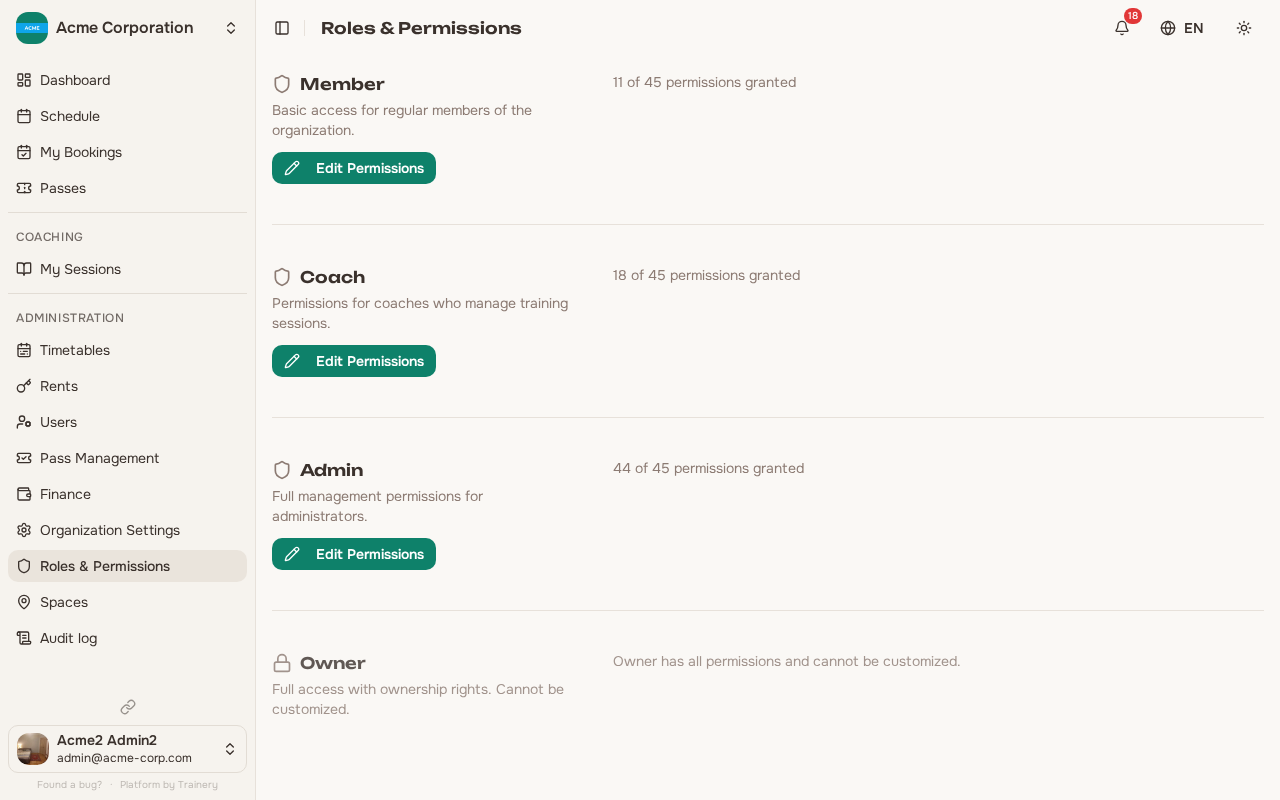
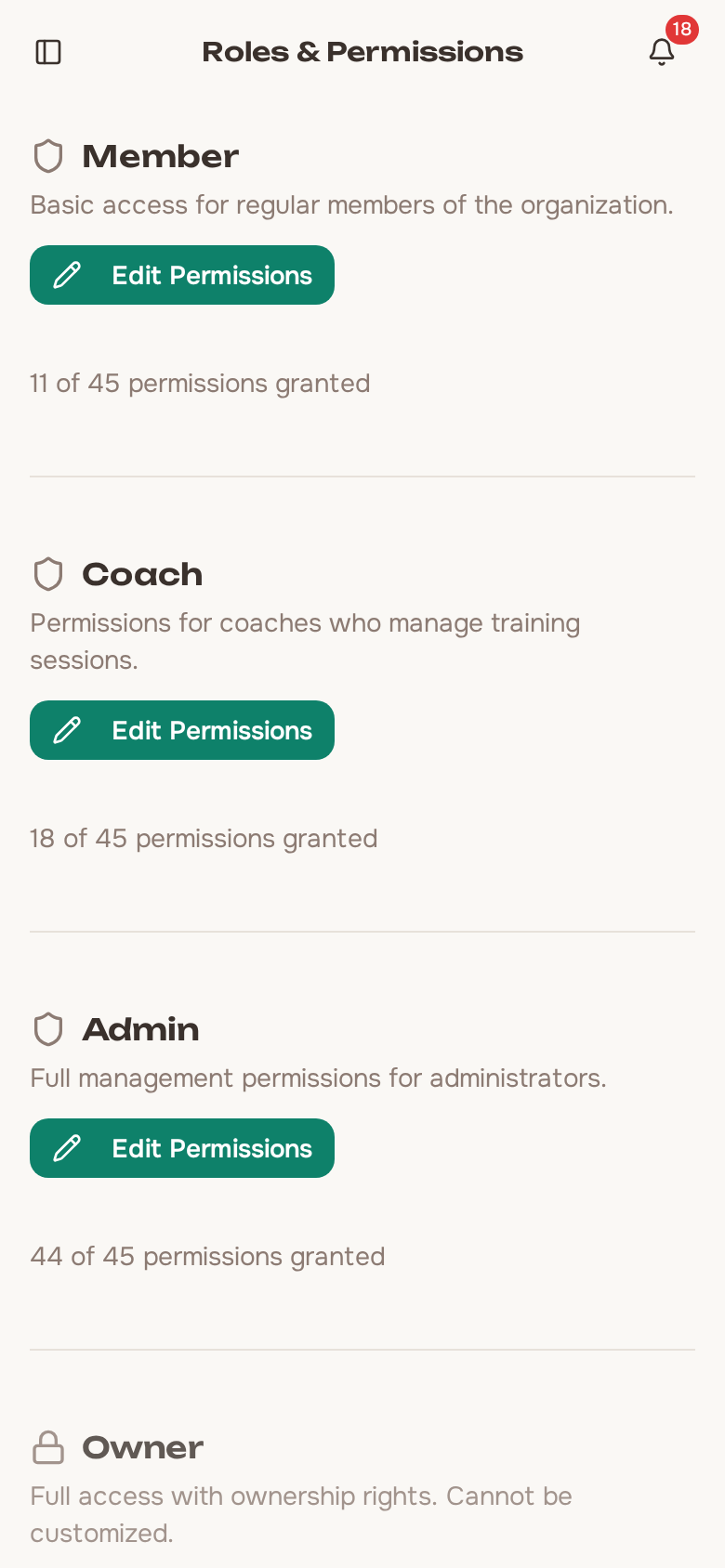
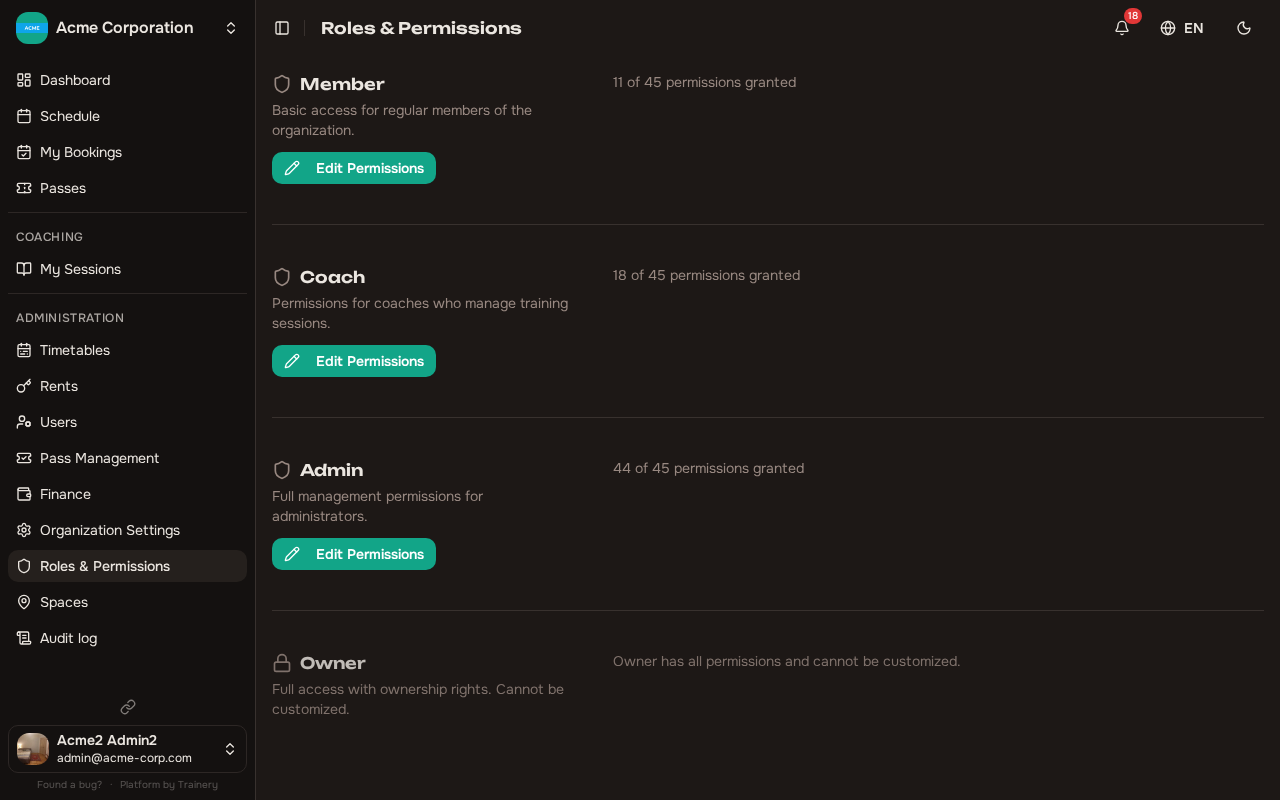
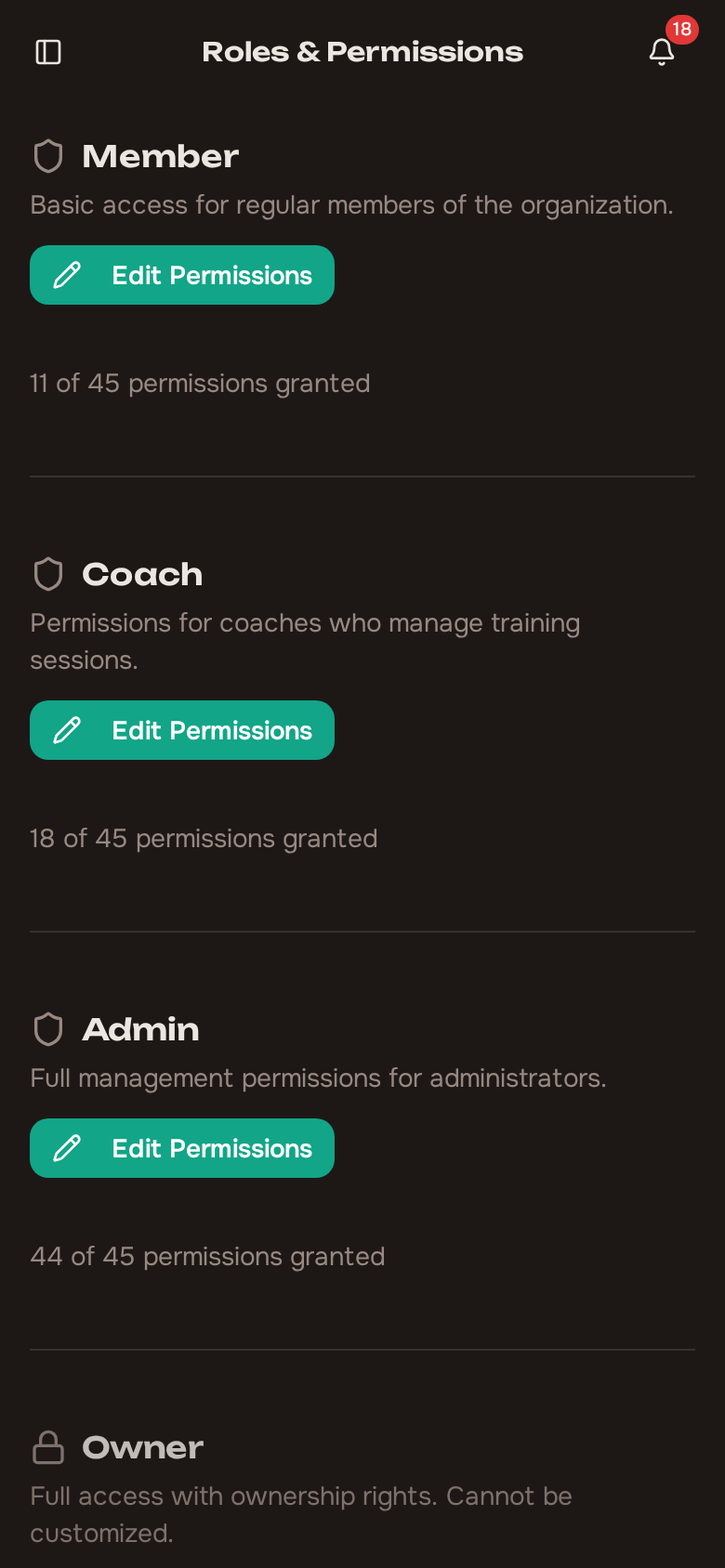
Section titled “Customizing role permissions”As an owner, you can adjust the default permissions for each role (Member, Trainer, and Admin) through the role configuration screen in system settings. This lets you tailor what each role can do without needing to set permission overrides on individual members.
Owner permissions are fixed and cannot be customized – owners always have full access.
One permission worth calling out is “Be assignable as a session trainer” (training.lead). It controls who can be picked as the trainer for a training or an individual session. By default owners, admins, and trainers have it, but you can grant it to any role – or revoke it – through the same role configuration screen or a per-member override. Anyone without it will not appear in the trainer picker.
What changed in the Trainer defaults
Section titled “What changed in the Trainer defaults”The default Trainer role no longer authors the timetable. Creating, editing and deleting timetables – previously covered by Create Trainings, Manage Own Trainings and Delete Own Trainings – have been taken out of the trainer defaults. The reasoning is that a trainer runs the sessions the studio schedules for them; the schedule itself belongs to the people planning the studio. If you want the old behaviour, grant those permissions back, either to the Trainer role as a whole or to a single trainer through a per-member override. A trainer without them no longer sees Timetables as something they can author, and works from My Sessions instead.
A narrower permission sits in the trainer defaults in its place: Adjust Own Sessions – change capacity, time or space on a single session you lead, and share its signup link. It lets a trainer fix up one session, move it to another space or reopen a few seats, without handing them the whole timetable.
Permissions whose names end in “own” are now genuinely checked against ownership. Holding one of them no longer lets someone edit another trainer’s schedule or another trainer’s session – it applies only to the trainings and sessions that person actually leads.
The Rent group has a new permission for confirming that a rental has been paid for. Owners and admins hold it by default, and you can grant it to any other role or to an individual member the same way as any other permission.
This one currently shows up without a display name in the permissions list. Look for it in the Rent group of the permissions editor.
A role that had already been customized keeps the permissions you stored on it – a change to a default never reaches a customized role. If you customized Trainer (or any other role) before this change, open it and review it directly rather than assuming it picked up the new defaults.
For one-off adjustments to a specific member’s access, use the per-member permission overrides described in Organization Settings.