Training Oversight
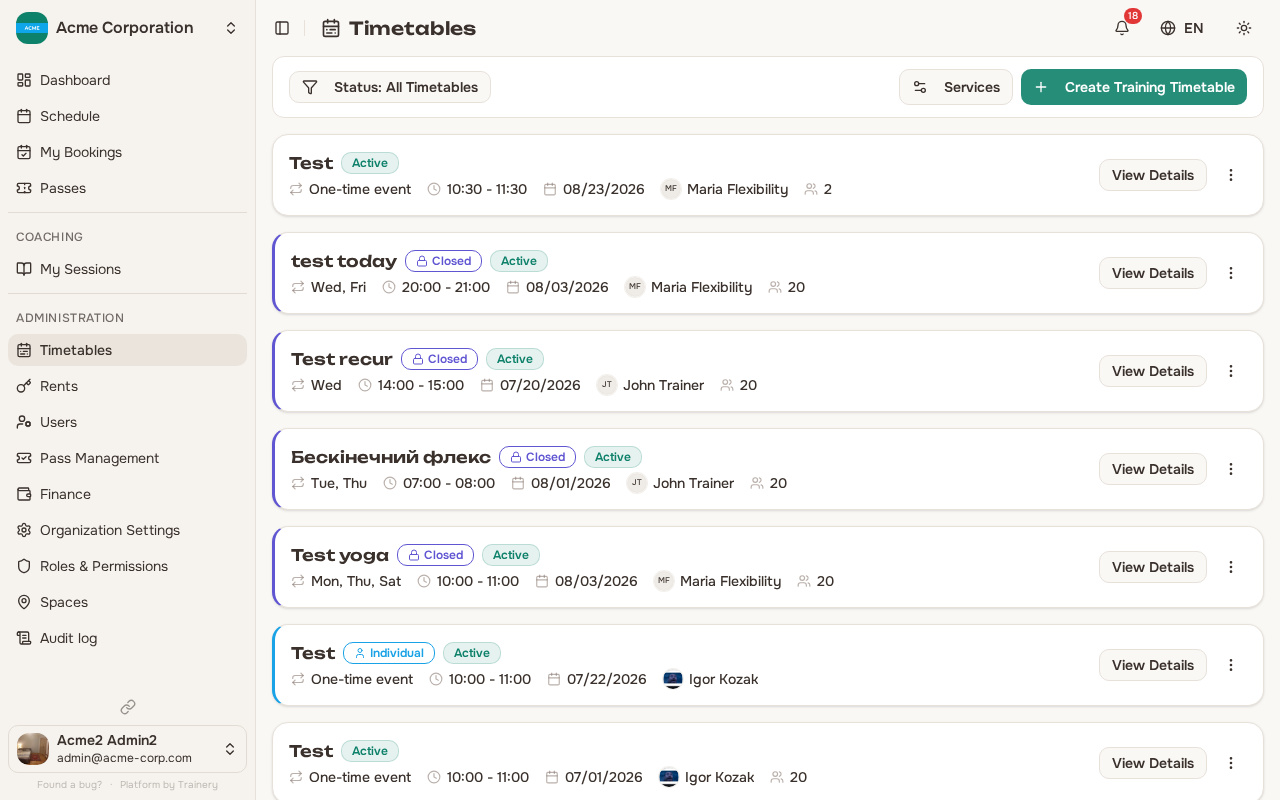
While trainers manage their own trainings and schedules, admins have oversight over everything in the organization. You can step in to edit, cancel, or clean up any training, schedule, or booking regardless of who created it.
Managing training templates
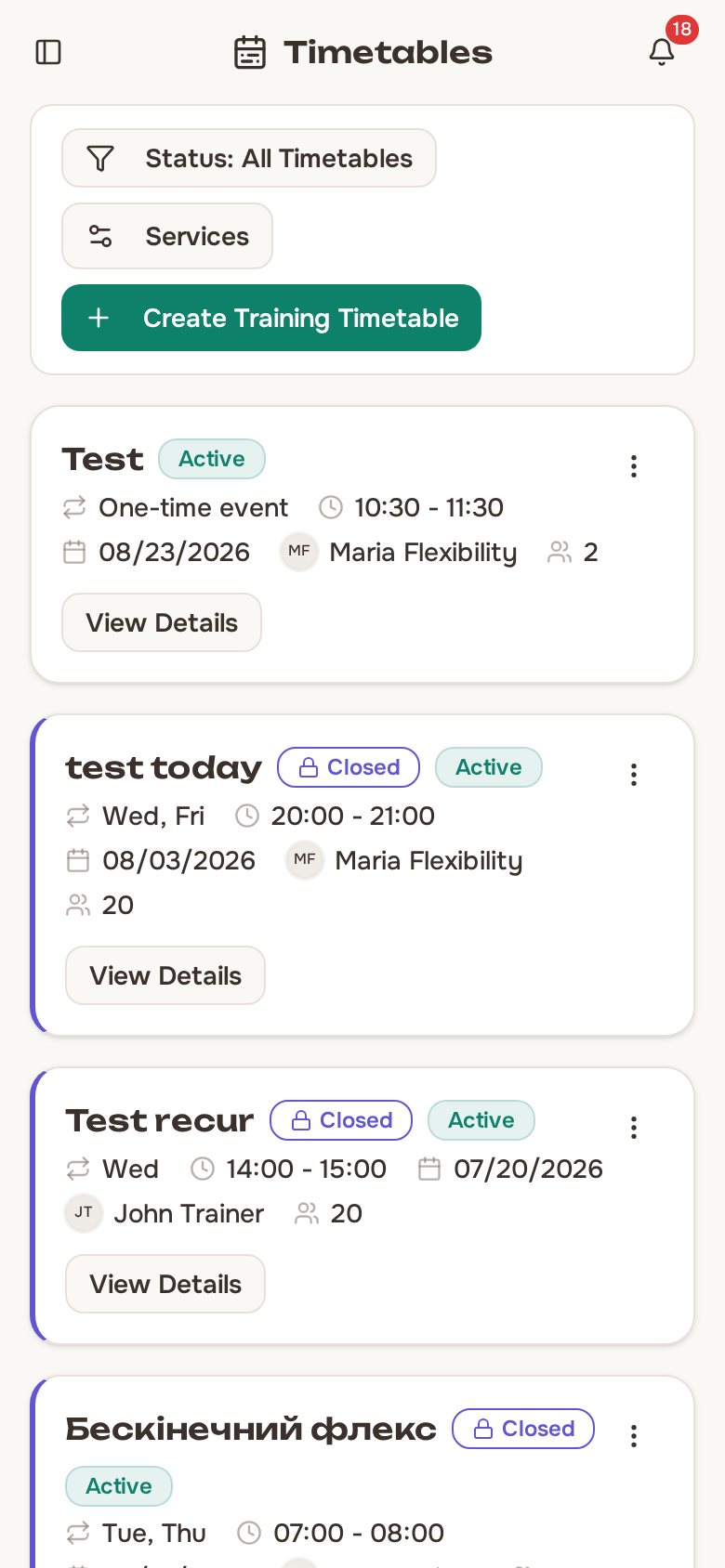
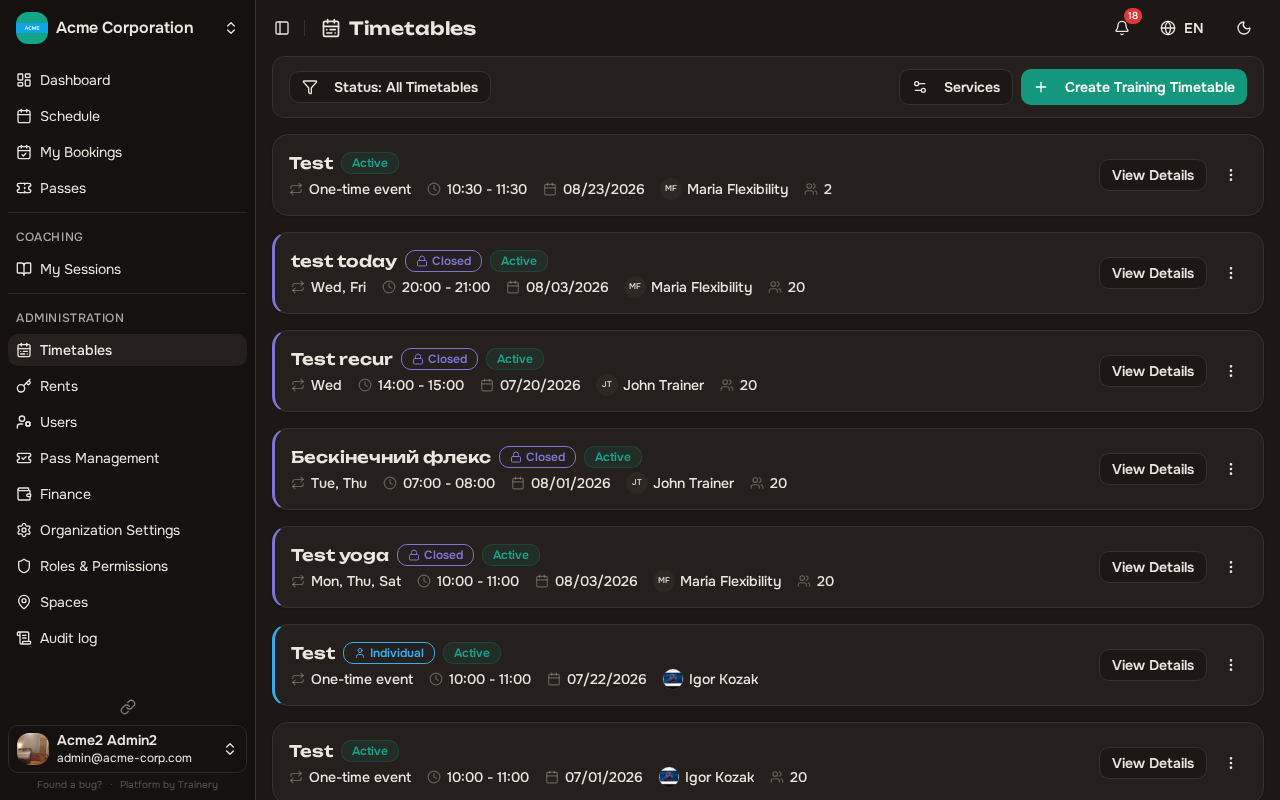
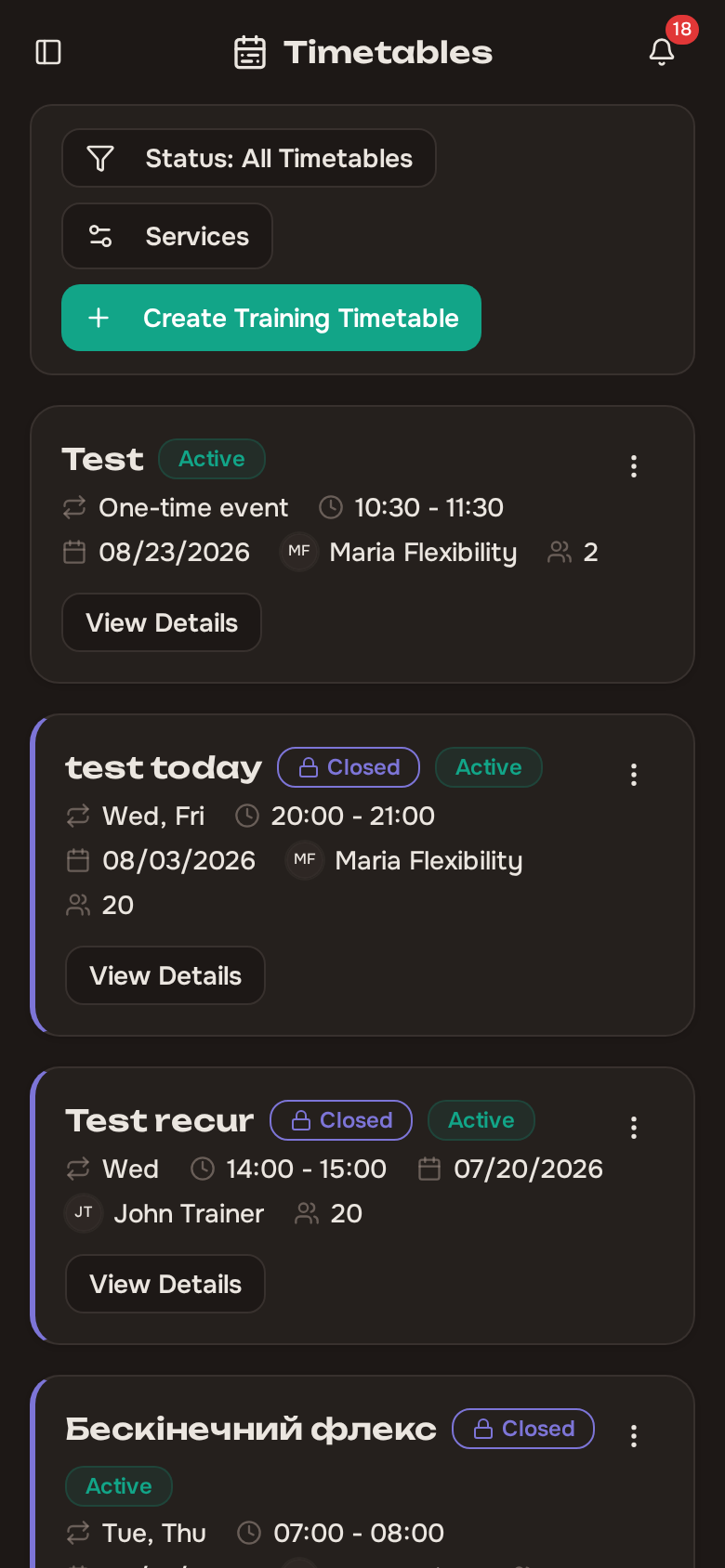
Section titled “Managing training templates”As an admin, you have full control over all training templates in the organization:
- Edit any template – update names, descriptions, settings, or associated spaces.
- Activate or deactivate templates to control whether they appear in the schedule.
- Delete templates that are no longer needed.
These capabilities apply to all templates, not just ones you created.
Managing schedules and occurrences
Section titled “Managing schedules and occurrences”You can also manage any schedule or individual occurrence:
- Update schedule details such as timing, recurrence, or assigned space.
- Cancel individual occurrences or entire schedules.
- Delete schedules that should be removed completely.
Filtering the calendar by several people
Section titled “Filtering the calendar by several people”The schedule calendar has filters for trainer, member, and space. The trainer and member filters let you pick more than one person at a time – useful when you want to look at a couple of trainers side by side, or follow a small group of members.
- The list stays open as you tick people, so you can select several in a row without reopening it.
- The button label reflects your selection: All Trainers / All Members when nothing is picked, the person’s name when exactly one is picked, and N selected when several are.
- To clear the selection, pick the All … row at the top of the list, or use the X button on the filter.
The space filter still works one space at a time.
How the filter controls read
Section titled “How the filter controls read”The filters follow a few conventions that hold everywhere in the app, not only on this page:
- Every control names itself. A filter reads Status: Active rather than a bare Active — a value on its own means nothing sitting next to three other dropdowns.
- A filter that is away from its default is highlighted, so a narrowed list is never mistaken for an empty one.
- The trainer filter is named after whatever your organization calls that role, so the label follows your own wording.
- There is no row of filter chips. On desktop the toolbar carries a Clear action whenever anything is active; on a phone the Filters button carries a count badge instead.
- That badge counts active filters, not selections — picking three trainers still reads 1.
Work Timesheet: the per-trainer day view
Section titled “Work Timesheet: the per-trainer day view”Switch the calendar to Day view with at least one trainer selected and the day is laid out as one column per trainer, side by side, with each trainer’s photo and name at the top. It gives you the whole day for everyone you picked at a glance – who is busy, who has gaps, and where sessions overlap.
What each column contains:
- That trainer’s sessions for the day.
- Any room rentals booked in their name, including their own self-training slots.
A few details worth knowing:
- Trainers you selected who have nothing booked still get an empty column, so the view stays a stable comparison of exactly the people you chose.
- If somebody else has a rental that day but is not one of the trainers you picked, they get a column too – nothing on the day is hidden from you.
- The view works on both desktop and mobile. On mobile you scroll sideways to move between columns.
There is also a Work Timesheet shortcut in the Quick Actions card on the dashboard, which opens this view with every trainer selected. It is available to admins and managers who can manage all trainings.
Force canceling a booking
Section titled “Force canceling a booking”Sometimes you may need to cancel a member’s booking outside the normal cancellation window – for example, if a session is being reorganized or a member requests a late cancellation.
When you force cancel a booking:
- The booking is removed regardless of the cancellation deadline.
- The member’s pass session is refunded automatically.
- If there is a waitlist, the next person in line is promoted to the freed spot.
Force canceling an occurrence
Section titled “Force canceling an occurrence”If an entire session needs to be called off (trainer unavailable, facility issue, etc.), you can force cancel the occurrence. When you do:
- All bookings for that occurrence are canceled.
- Pass sessions are refunded to all affected members.
- Depending on your organization’s settings, pass expiry dates may be extended to compensate.
- All booked members receive a notification about the cancellation.
Force cancellation is a powerful tool. Members are automatically notified and compensated, so you do not need to handle refunds manually.