Getting Started
Welcome to Trainery — a platform that helps training studios and organizations manage sessions, bookings, passes, and memberships, all in one place.
What is Trainery?
Section titled “What is Trainery?”Trainery gives every person in your organization the tools they need. Members book sessions and track their training progress. Trainers build schedules and monitor attendance. Admins handle day-to-day operations. Owners have full control over the organization’s setup and permissions.
Whether you attend a yoga studio, a martial-arts gym, or a dance school, Trainery keeps everything organized so you can focus on training.
Roles at a glance
Section titled “Roles at a glance”| Role | What you can do |
|---|---|
| Member | Book sessions, manage passes, track attendance and stats |
| Trainer | Create trainings, manage schedules, mark attendance |
| Admin | Manage users, passes, spaces, and organization settings |
| Owner | Full administrative control, including role and permission management |
Your role determines which features are available to you. Most people start as members — if your role changes later, the interface will update automatically.
Just looking around?
Section titled “Just looking around?”If you do not have an invitation yet and want to see what Trainery looks like in practice, the public demo tenant lets you explore every role without signing up. You will be auto-logged in, and you can switch between Member, Trainer, Admin, and Owner views from a banner at the top of the page.
Joining an organization
Section titled “Joining an organization”Trainery uses invite-only registration. You cannot create an account on your own — an admin or owner from your organization will send you an invitation by email.
Here is what to expect:
- You receive an invitation email with a link to join.
- Clicking the link takes you to a registration page where your email is already filled in.
- Enter your First Name and Last Name — they are two separate fields and both are required, so a field containing only spaces is rejected. Your browser offers the matching autofill suggestion for each one. Then choose a password.
- Tick the box to agree to the Terms of Service and Privacy Policy — this is required before you can finish signing up.
- After submitting the form you are logged in automatically — no extra steps needed.
Tip: Check your spam or junk folder if you do not see the invitation email. The link expires after a set period, so register promptly.
Signing in
Section titled “Signing in”Once your account exists you can sign in at any time:
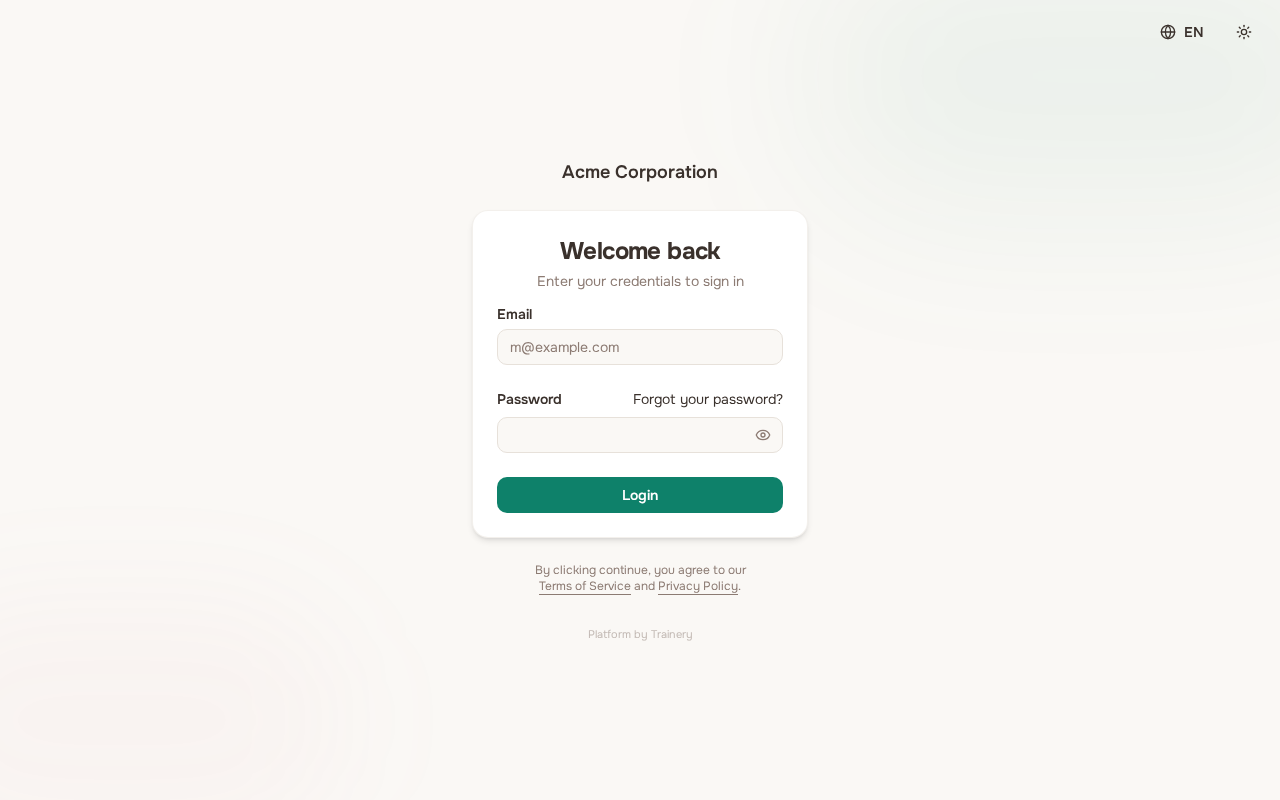
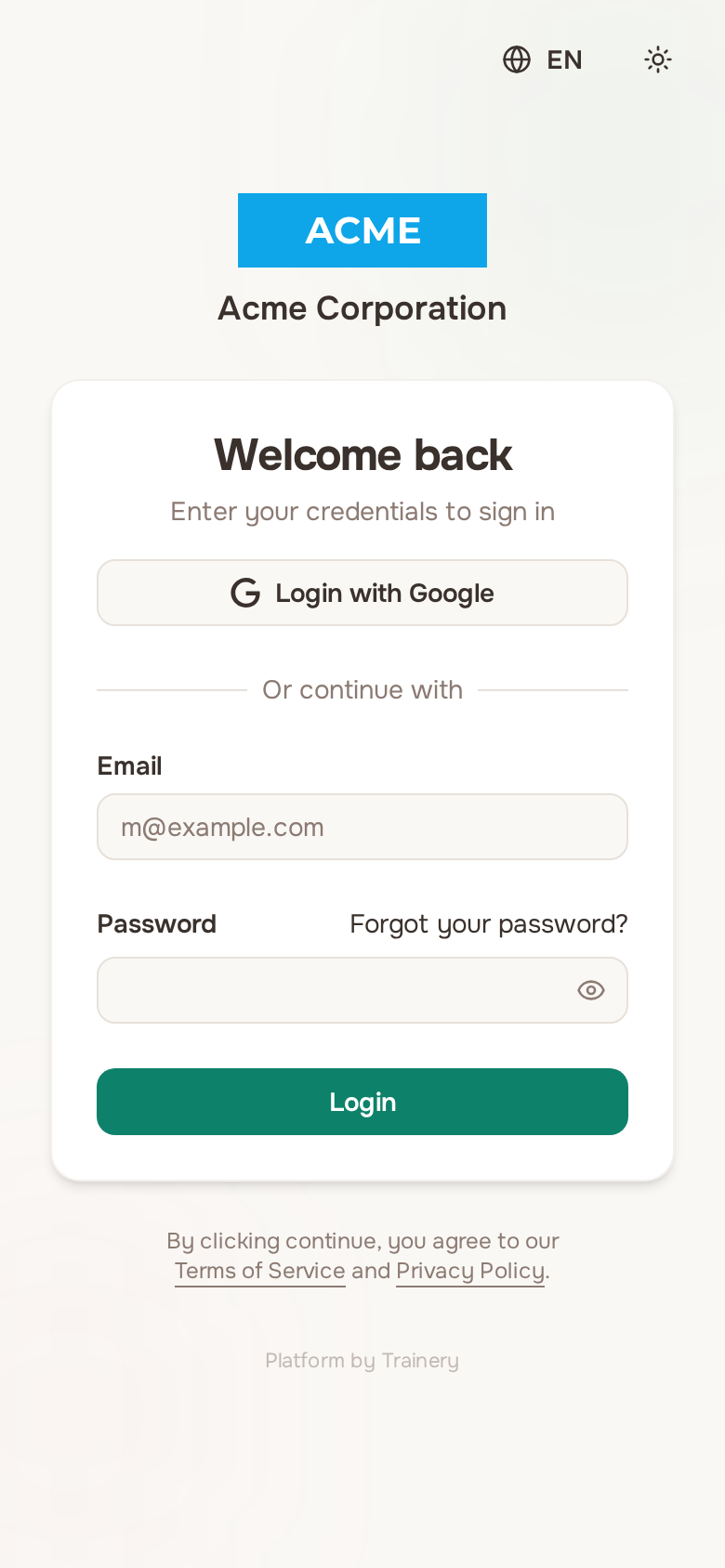
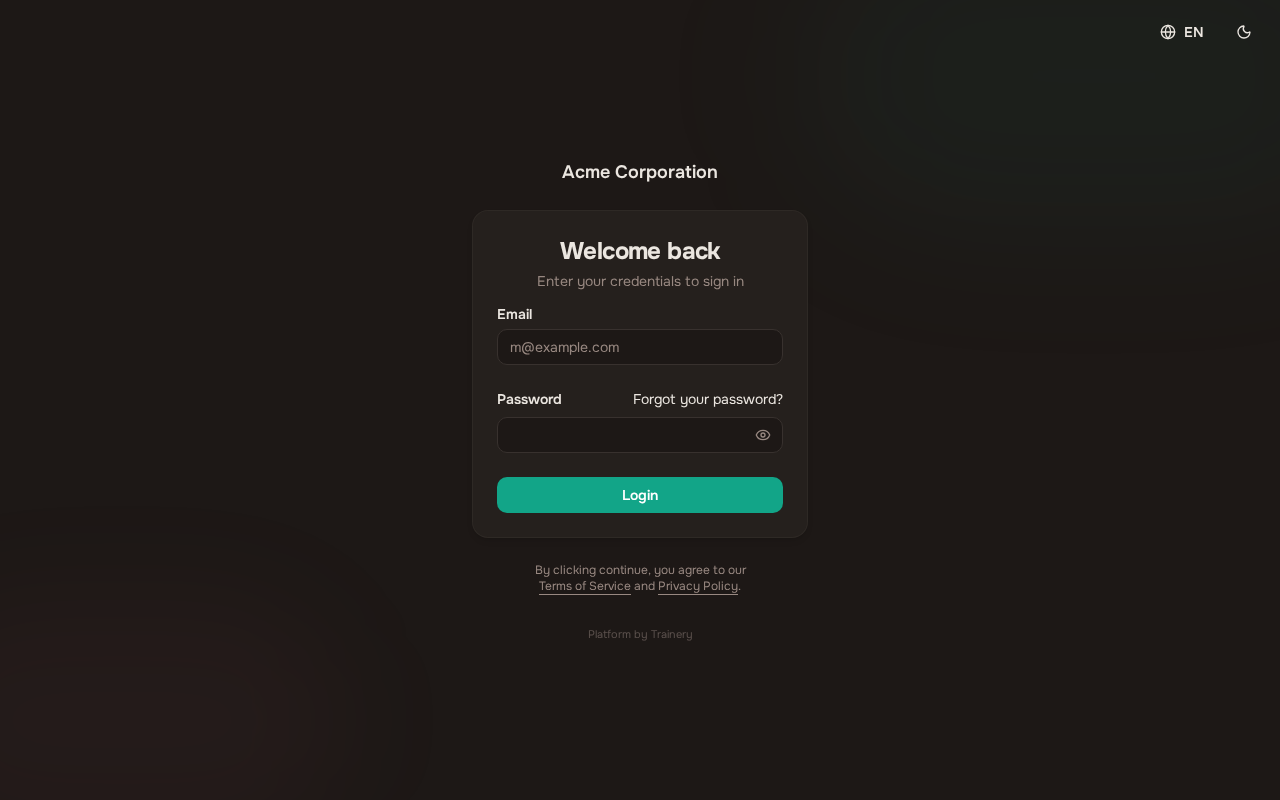
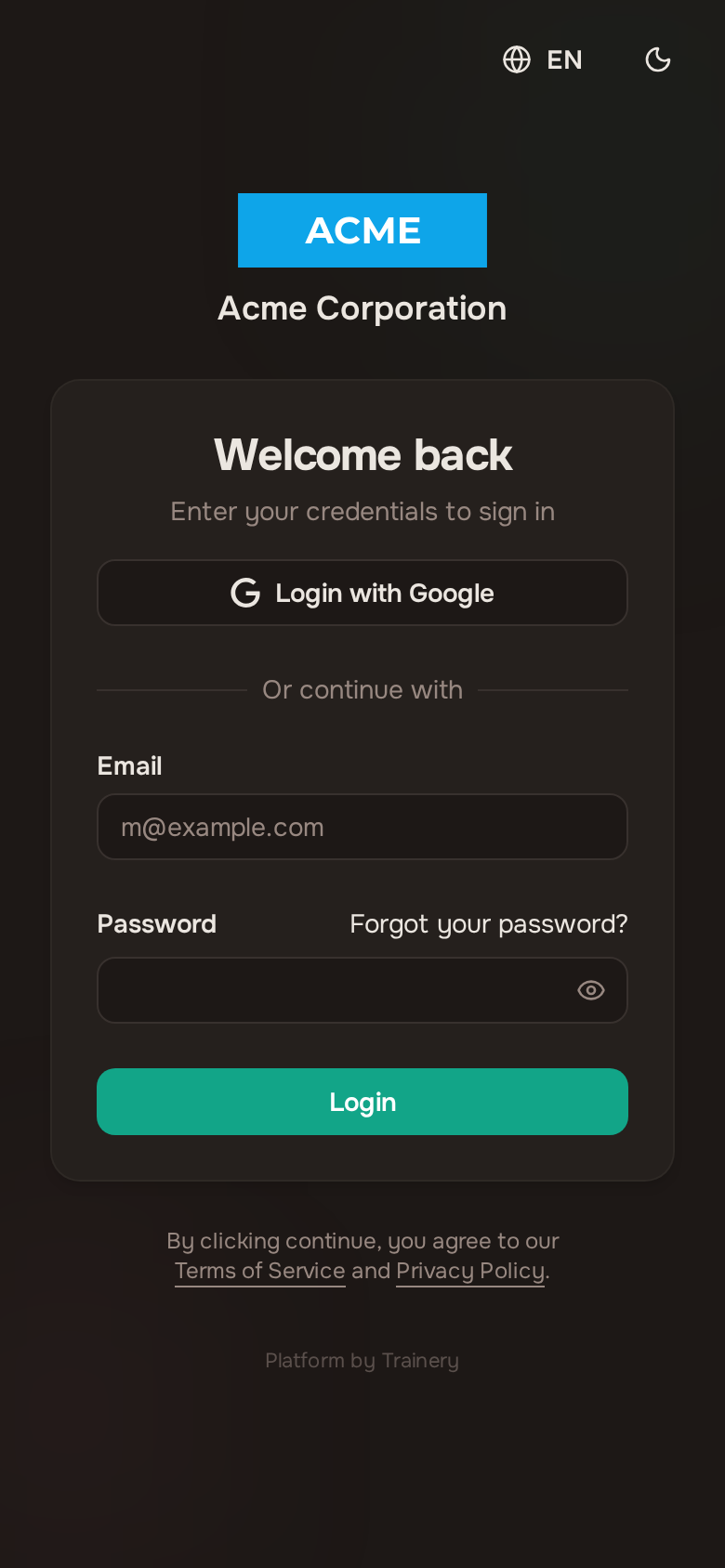
- Email and password — Enter the credentials you chose during registration.
- Google sign-in — If your Google account uses the same email address as your Trainery account, you can sign in with Google for convenience. Note that Google sign-in is available for logging in only, not for initial registration.
If you enter incorrect credentials, a clear error message will let you know what went wrong.
Resetting your password
Section titled “Resetting your password”Forgot your password? No problem.
- On the sign-in page, click the password-reset link.
- Enter your email address and submit.
- Check your inbox for a reset email, then follow the link to choose a new password.
After resetting, you can sign in with your new password immediately.
Switching organizations
Section titled “Switching organizations”If you belong to more than one organization on Trainery, you can switch between them without logging out.
- Open the organization switcher (you will find it in the navigation area).
- Select the organization you want to view.
- The interface updates instantly — theme, data, and navigation all reflect the selected organization.
By default, Trainery opens the organization you used most recently.
Where to go next
Section titled “Where to go next”Pick the guide that matches your role:
- Members — Booking Sessions — Browse the schedule and book your first session
- Members — Managing Passes — Understand passes and track your usage
- Members — Attendance — Mark attendance and review your history
- Members — Profile and Settings — Update your profile and notification preferences
- Members — Dashboard — View your training stats and onboarding checklist
- Admins — Creating Trainings — Set up trainings and schedules
- Admins — Calendar Events — Block or annotate time for maintenance, meetings, and reservations
- Trainers — Guest Members — Add walk-in trial attendees and send them setup links
- Trainers — Shareable Class Links — Share a public signup link for a single class
- Admins — Managing Members — Invite and manage organization members
- Admins — Public Booking Page — Let anyone browse and book your group classes with no account
- Admins — Studio Profile — Publish your description, address and map, contacts and opening hours
- Admins — Finance — View financial reports and track revenue
- Owners — Role Management — Configure roles and permissions
- Owners — Audit Log — See who changed what in your organization, and when
If you spot something wrong along the way, you can report a bug directly from inside the app.