Booking and Attendance
Keeping track of who is attending your sessions and how well they are performing is a key part of being a trainer. Trainery provides tools to view bookings, monitor statistics, and record attendance.
Viewing Session Bookings
Section titled “Viewing Session Bookings”For any session you lead, you can view the full list of booked members. The booking list shows:
- Member name
- Booking status — either Confirmed or on the Waitlist
- Booking date — when the member booked
- Payment method — how the member paid (e.g., which pass was used)
- Sessions left on their pass — read exactly the way the member reads it on their own card, so a course pass shows how far the course has actually got rather than a balance that was spent at enrolment
This gives you a clear picture of who to expect before each session.
Adding someone to your session
Section titled “Adding someone to your session”You can add a member to a session yourself — a walk-in, a late arrival, someone who missed the deadline. The picker searches by name, e-mail or phone and shows only what you need to pick the right person: their name, e-mail, photo, and whether they are flagged for a no-show or late cancellation. It shows nothing else about them — no role, no membership status, no join date — because being able to seat someone is not the same as being able to manage them. Only active members appear, and the list is paged behind Load more rather than cut off, so everyone is reachable even at a large studio.
A flagged member can still be added by you. The flag only stops them booking themselves.
You can add participants to sessions you lead, including ones where you are standing in for another trainer. Trying to add someone to a colleague’s class is refused with “You can only add participants to sessions you lead.” Admins who manage all bookings are not restricted this way.
You cannot book a seat in your own session
Section titled “You cannot book a seat in your own session”The one person you cannot add to a session is yourself, if you are the one leading it. Trainery does not offer the Book action on a session you lead — not in the session details, not in the quick-book suggestions on your dashboard — and the rule is enforced on the server, so it holds no matter who asks. An admin booking on your behalf is refused for the same reason: “A trainer cannot book a place in a session they lead.”
The rule follows whoever is actually teaching. If you stand in for a colleague, you can no longer book that session and they can. It only blocks new bookings, though — if you are put in charge of a session you had already booked as a member, that booking stands, and you can still cancel it.
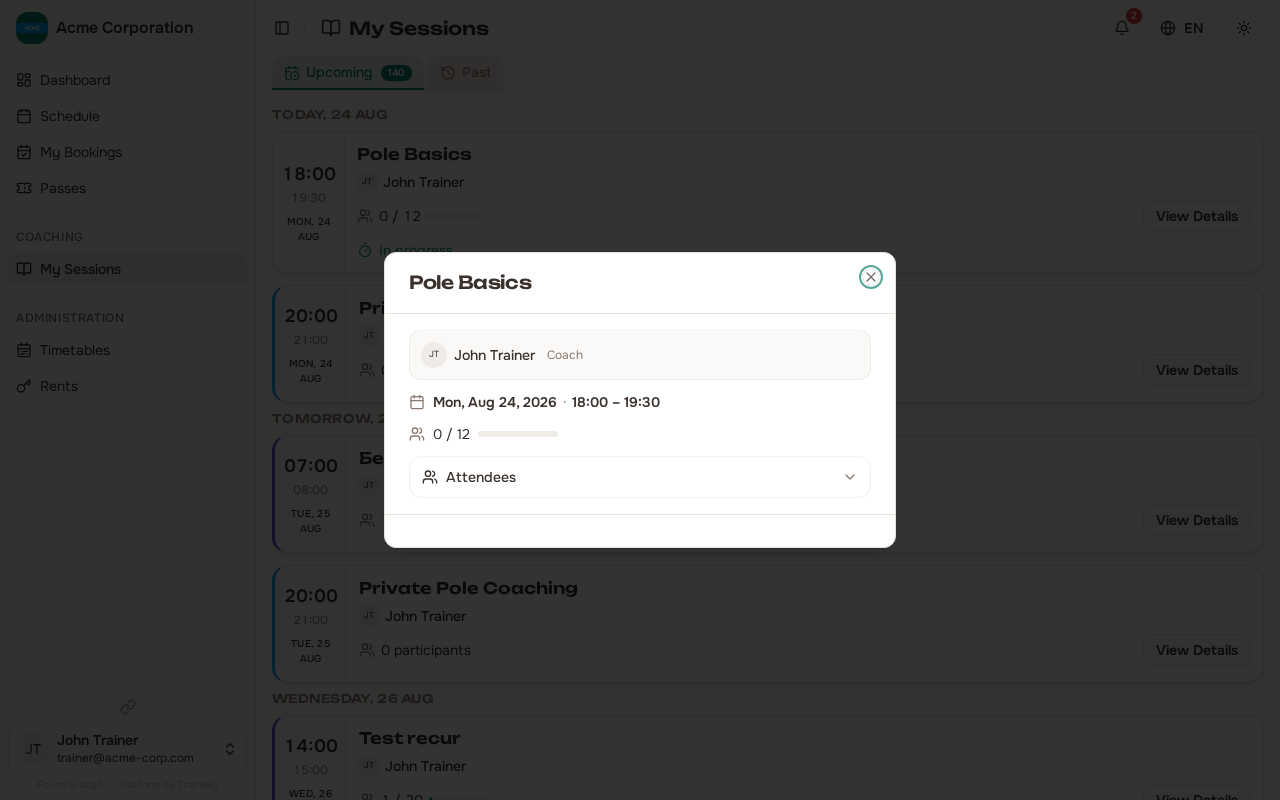
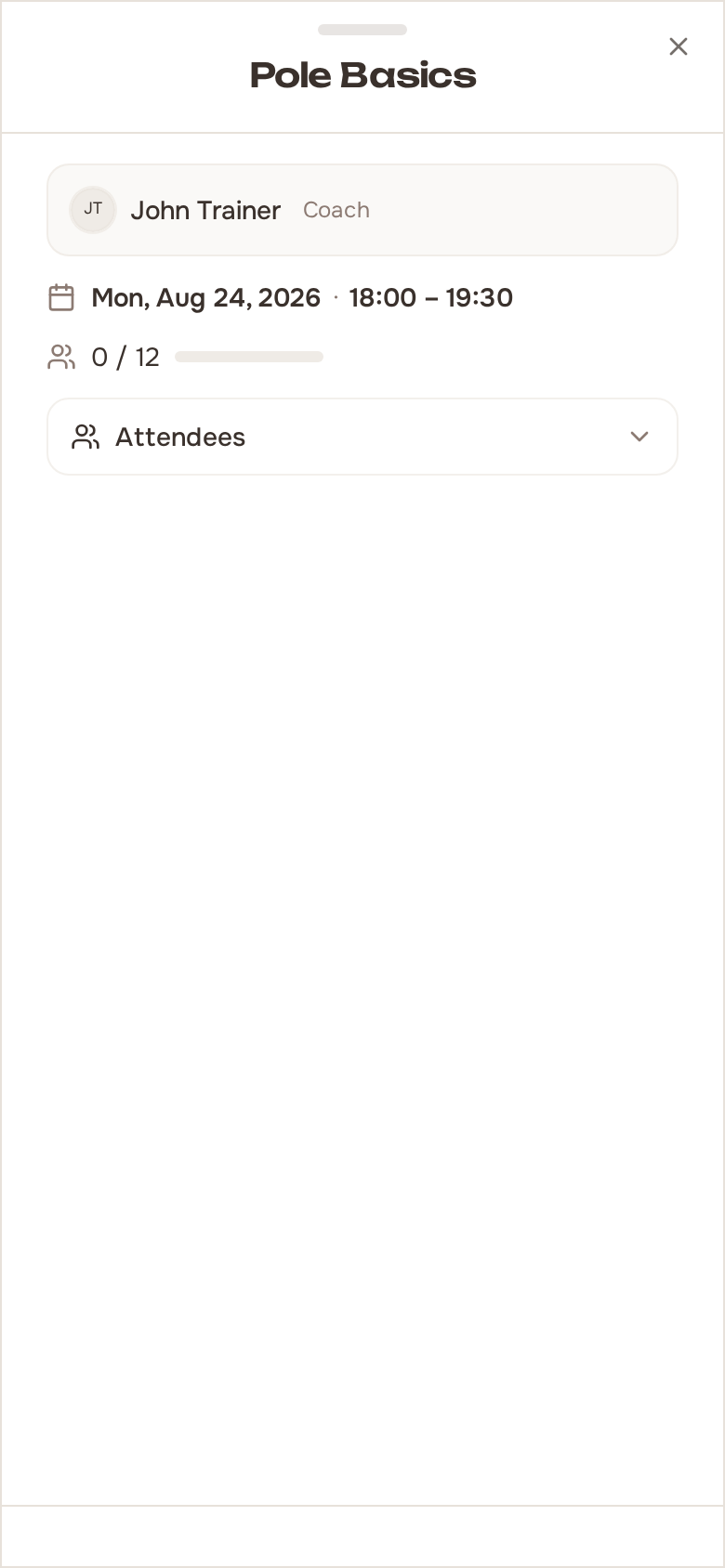
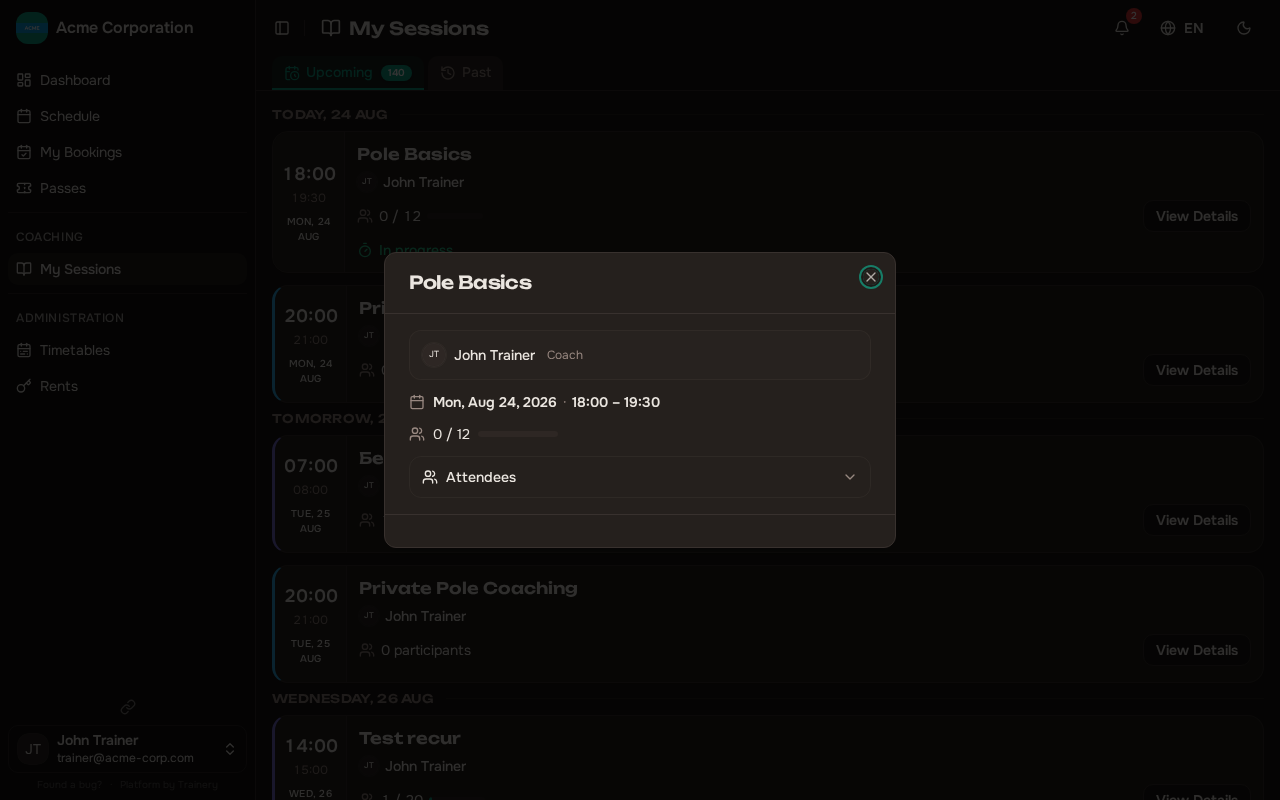
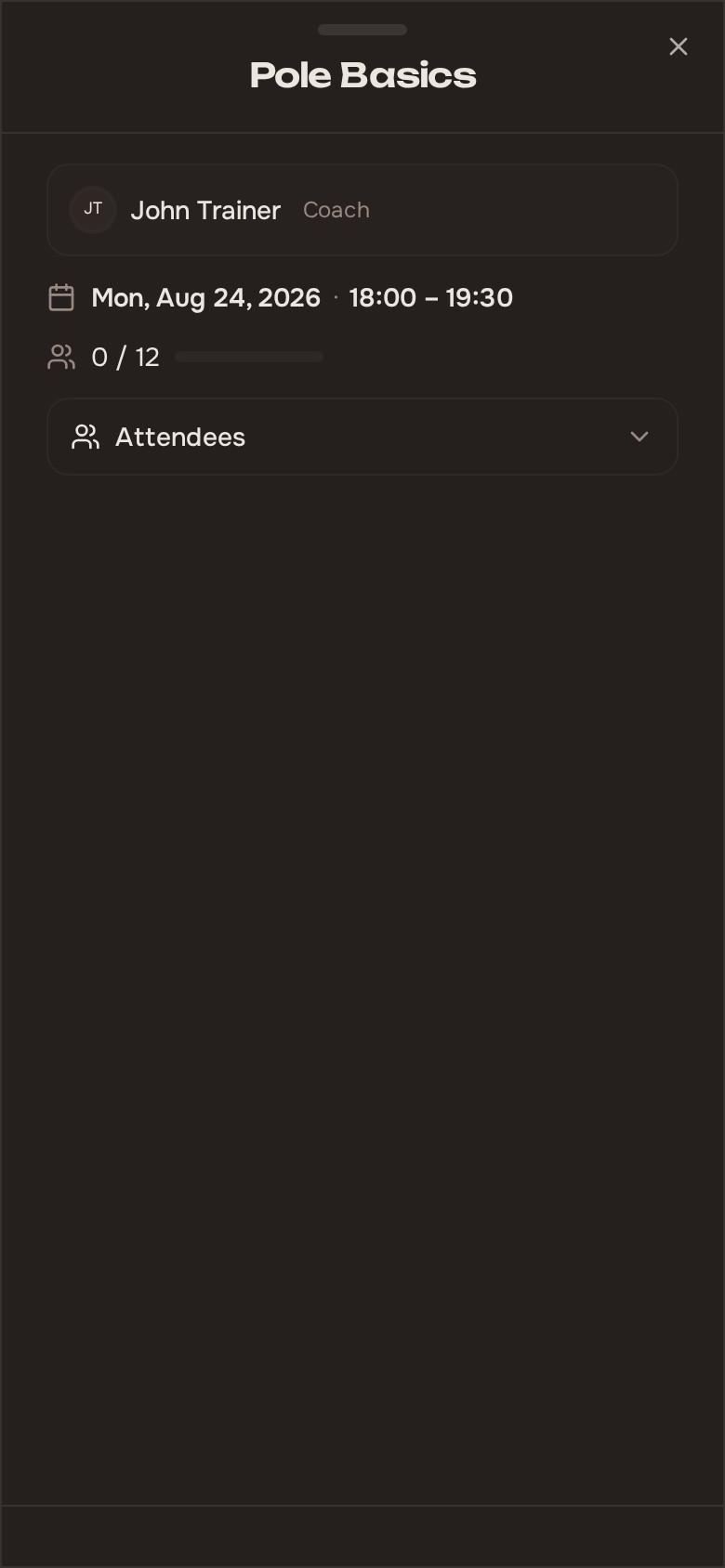
Booking Statistics
Section titled “Booking Statistics”Each session includes a statistics summary that helps you understand attendance at a glance:
- Capacity — Total spots available
- Confirmed — Number of confirmed bookings
- Waitlist — Number of members waiting for a spot
- Attended — Members who showed up
- No-show — Members who booked but did not attend
- Utilization rate — Percentage of capacity that was booked
- Attendance rate — Percentage of confirmed members who actually attended
Marking Attendance
Section titled “Marking Attendance”After a session starts, you can mark each member as attended or not attended. This is how Trainery tracks actual participation versus bookings.
You can mark members one at a time, or use Mark All Present to fill everyone in at once. Mark All Present is a shortcut for the common case, not a submission: it fills every attendee in as present and leaves the panel open, so anyone who did not turn up can be flipped back to absent before anything is committed.
Nothing is recorded until you press Save. Until then the panel is a draft you can keep adjusting.
Whether a row was set by hand or by Mark All Present, saving puts every row through the same path, so passes are charged and refunded identically either way.
Notes are saved with the row they belong to: a note you leave alone keeps whatever it said, and clearing the note field clears it. A note cannot be saved on its own — the row also needs present or absent recorded.
Attendance can only be marked once the session has started. You will not see the attendance option before the scheduled start time.
A booking records holding a seat separately from showing up. Until you mark it, a member’s booking simply reads as booked; once you mark it, it reads as attended or missed. Marking is not final — you can mark the same person again to correct a mistake.
Paying with a pass that looks empty
Section titled “Paying with a pass that looks empty”When you mark one attendee present, the payment picker may still offer a pass that shows no sessions left, labelled reserved for the session’s date. This happens when the pass’s last session is tied up on a later booking of theirs.
Choosing it shows a one-line confirmation naming the future booking that will move to cash. On confirm, today’s session is paid by the pass and the member’s furthest-out future booking on that pass is switched to cash — that frees the pass session so it can be spent on today’s session instead, and the member’s balance nets out.
Only regular passes with a future booking qualify. A pass that is genuinely unusable — frozen, expired, the wrong type, or blocked as an overtime booking — is never offered. The member is notified afterward and can cancel the now-cash booking.
Sessions Still Waiting to Be Marked
Section titled “Sessions Still Waiting to Be Marked”Attendance is easy to forget once a session is over, so Trainery surfaces the leftovers in two places: on the calendar itself, and as a worklist on your dashboard.
The calendar indicator
Section titled “The calendar indicator”Every past session on the calendar carries a small indicator showing how far its register has got:
- Attendance not marked — nobody in the session has been marked yet
- N of M marked — the register was started but not finished
- Attendance marked — every attendee has been accounted for
A few details worth knowing:
- The indicator appears only after a short grace period following the session’s end. A session that is still running, or that has only just finished, is not flagged — you are not nagged while you are still in the room.
- It never appears on a cancelled session, nor on a session nobody booked. There is nothing to mark in either case.
- The states differ by icon shape as well as label, not by colour alone, so they remain readable if colours are hard to tell apart. An unfinished register is a clipboard and a finished one is a tick — a register that has not been started and one that is half done share the clipboard on purpose, since both still need you, and the N of M count already tells them apart.
- A past session with an unmarked register stays at full strength on the calendar instead of being dimmed the way other past sessions are. The thing that needs action should not be the faintest thing on the screen.
- Members never see the indicator. Attendance is staff information.
The dashboard worklist
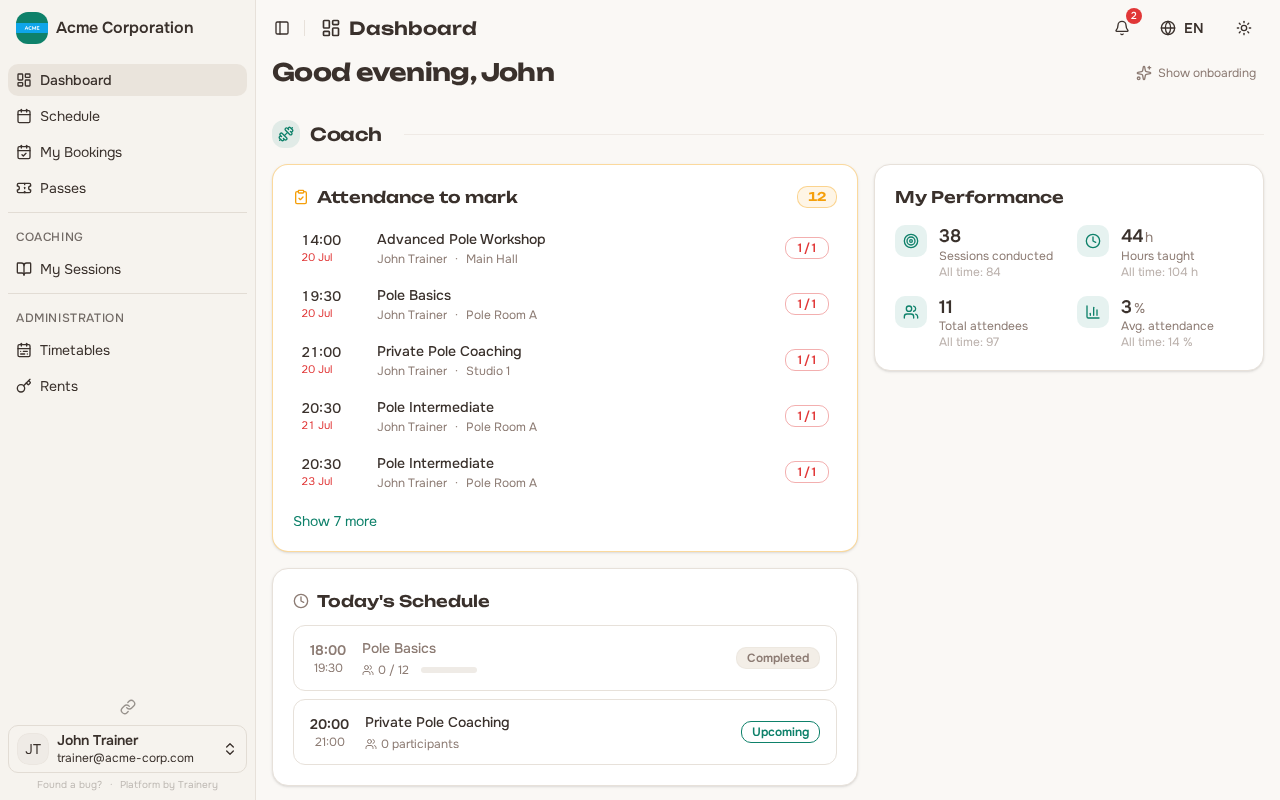
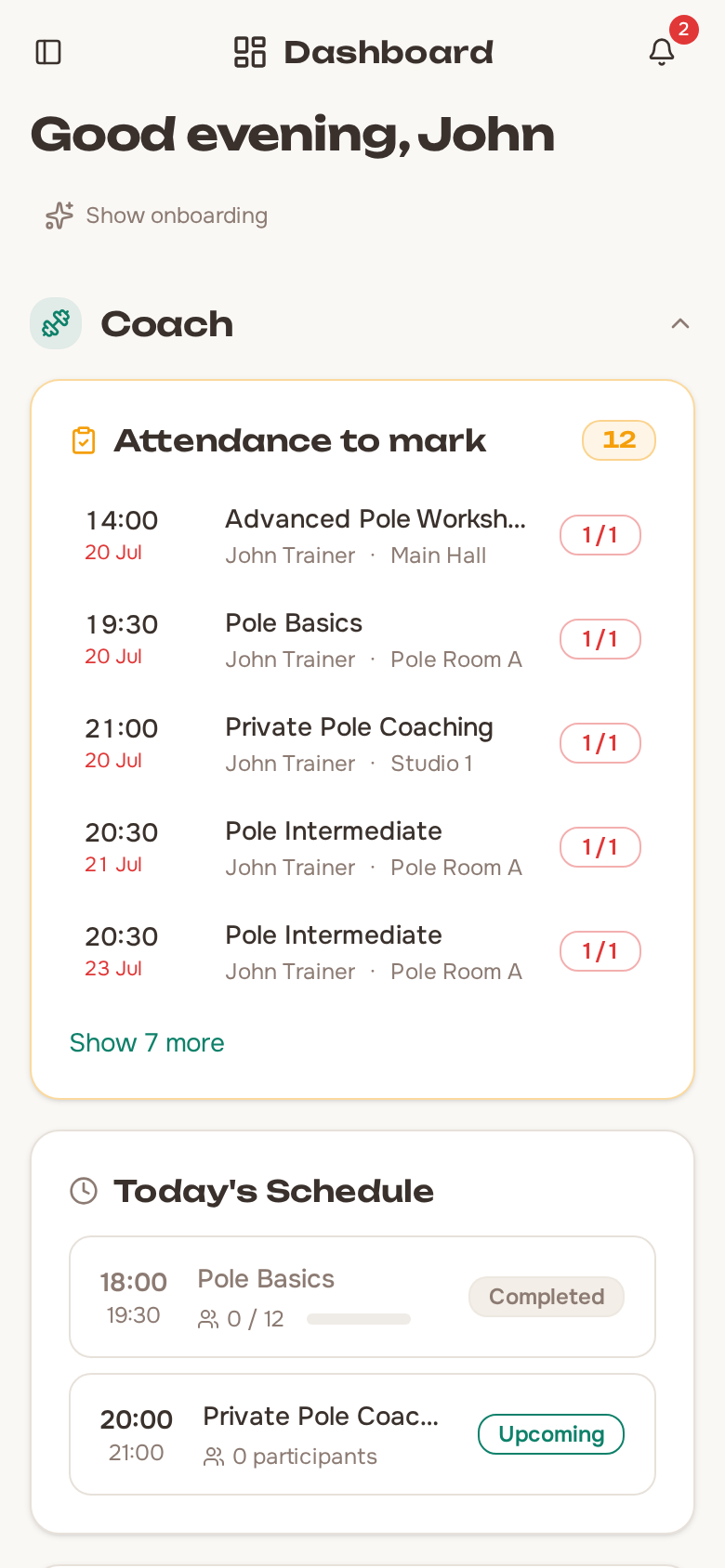
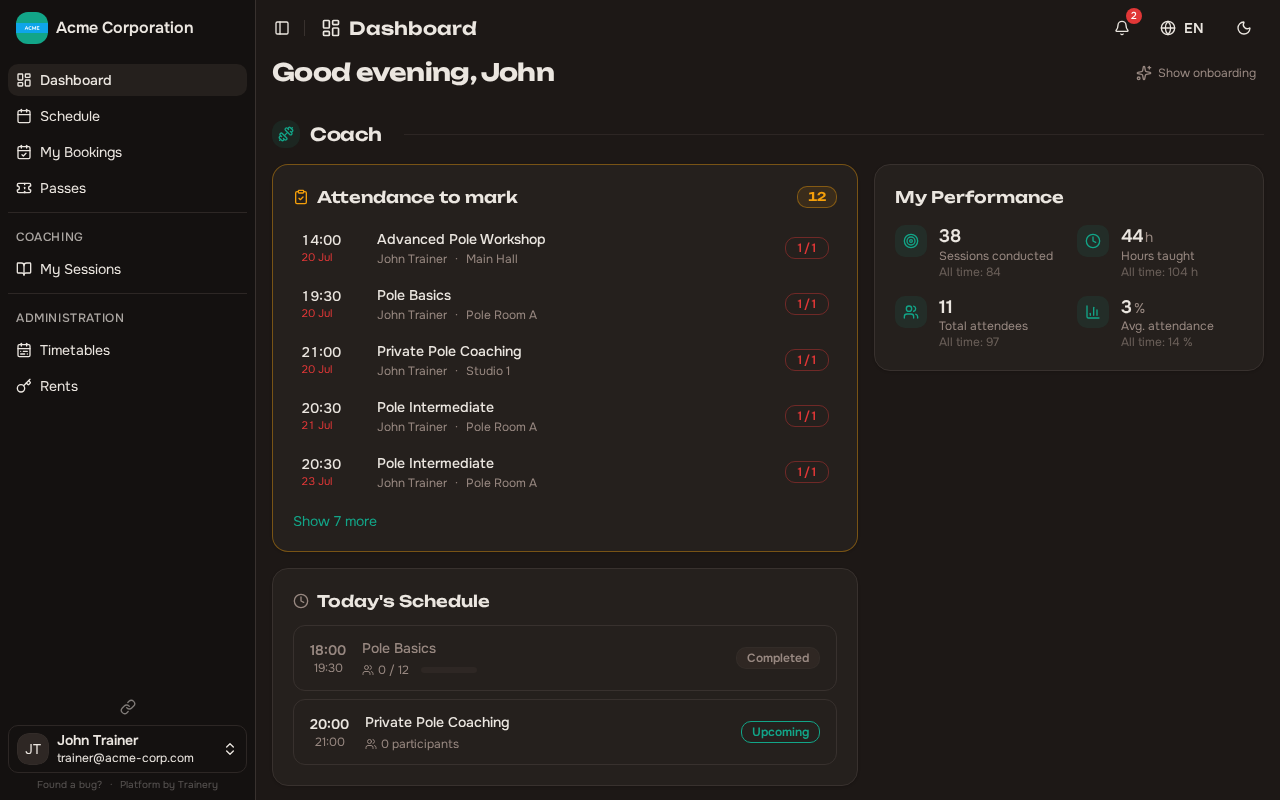
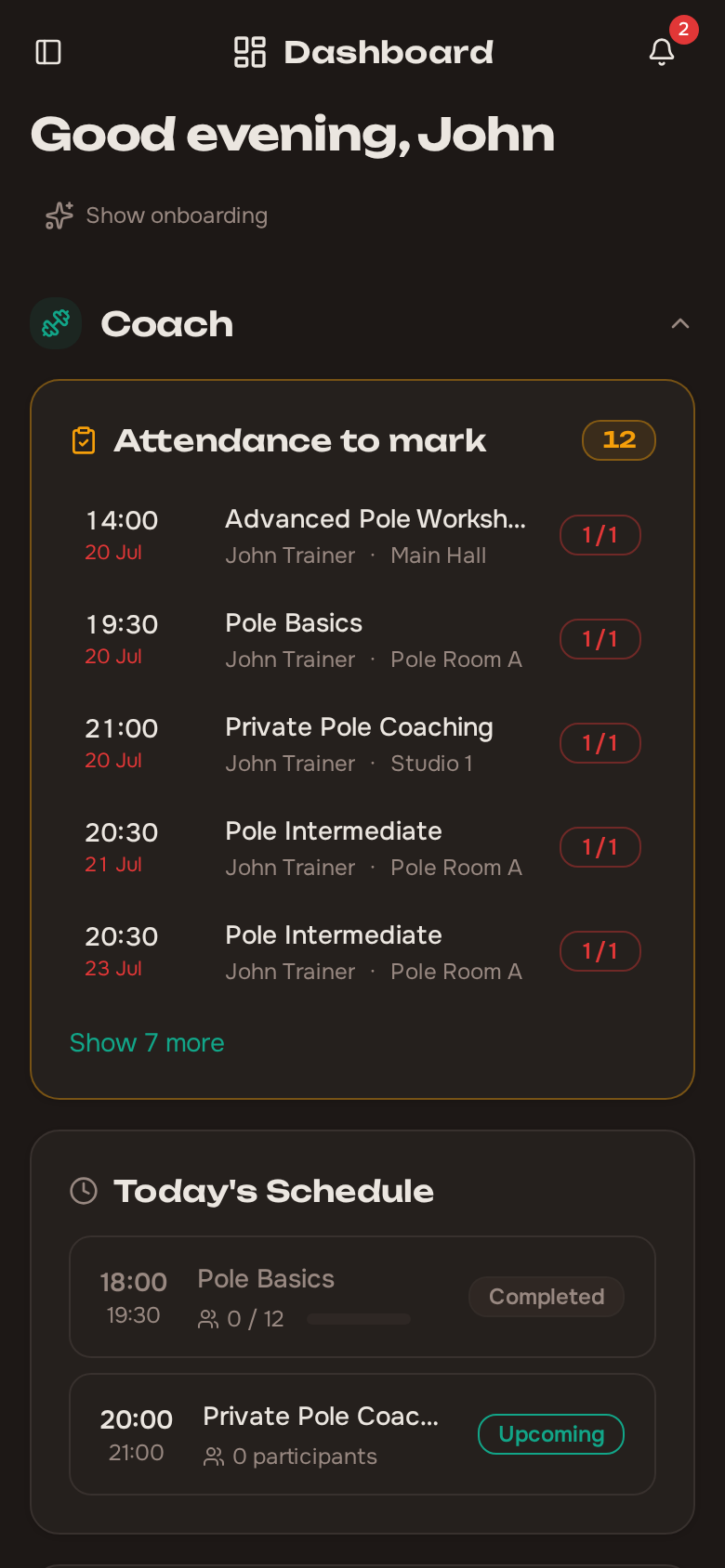
Section titled “The dashboard worklist”Your dashboard shows a card titled Attendance to mark, listing finished sessions whose register is still incomplete, most overdue first.
Each row tells you:
- Which session it was
- When it finished — shown as today, yesterday, or a date for anything older
- Its room and its trainer
- How many attendees are still unmarked
The list reaches back about two months. Rows more than a couple of days old are visibly flagged as stale, so an old omission does not quietly blend in with yesterday’s. Only a short preview is shown at first, with a Show N more control to expand the rest.
When there is nothing left to mark, the card disappears entirely — a cleared backlog gets no card at all, rather than an empty one.
Clicking a row opens the attendance marking panel right there, so you can take the register without leaving the dashboard. As soon as a session’s register is complete, its row drops off the list.
Who sees what depends on your role:
- A trainer sees only the sessions they led. If a stand-in trainer covered a session, that stand-in counts as its leader for this purpose.
- Someone who can manage all bookings sees the whole studio’s outstanding registers.
- A trainer who is also an admin sees the card once, not twice.
Times, and the today/yesterday wording, follow your organization’s timezone — not the clock on the device you happen to be using.
The count on “Show earlier”
Section titled “The count on “Show earlier””The schedule page carries the same backlog as a small count on its Show earlier control, reading N to review. It covers unmarked registers and, for staff who can mark rentals paid, rentals that have ended without payment — both are the same kind of job: something that finished and still needs someone.
It is a backlog figure, not a preview of what expanding will show. It looks back about two months, ignores whatever filters you have set on the page, and — if you are a trainer — counts only your own sessions. Members never see it.
Overtime Bookings and Pass Payment
Section titled “Overtime Bookings and Pass Payment”Your organization can enable a setting called Block Pass Payment for Overtime, found under Buffer Time in Organization Settings → General. It is off unless an admin turns it on.
An overtime booking is one that you or an admin created on a member’s behalf after the booking deadline for that session had already passed. Members cannot create these themselves — the deadline blocks them — so this only happens when staff book someone in late.
When the setting is on, an overtime booking cannot be paid with a pass. Only cash or card are accepted.
You will notice this at two moments:
- When you book the person in — choosing Pass as the payment method is rejected.
- When you mark attendance — the Pass option is greyed out for that person, with the note “Booked after the deadline — pass payment is not allowed for this booking”.
Other people in the same session are unaffected: the lock applies to the individual booking, not to the whole session. The lock is also recorded on the booking itself, so it stays in place even if an admin later turns the setting off.
The setting itself is managed by admins — see Organization Settings for details.
Trainer Sessions Page
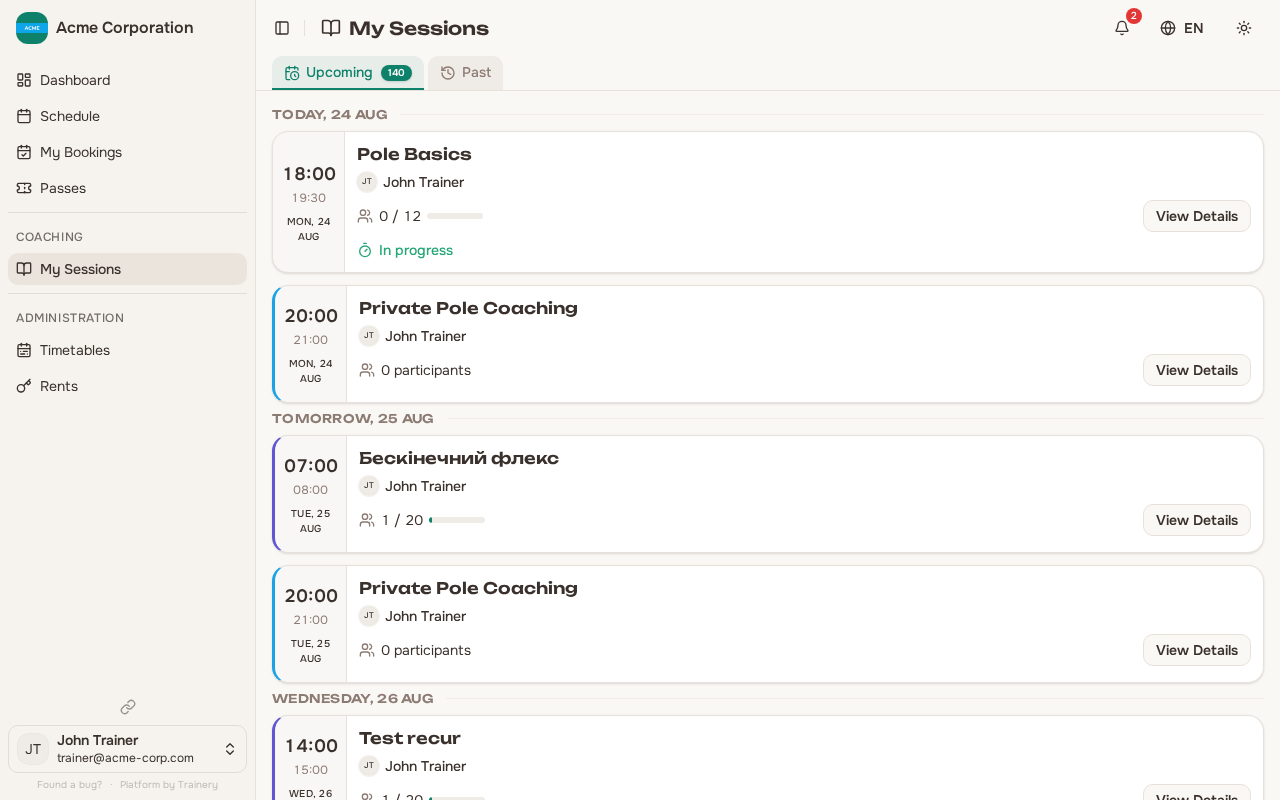
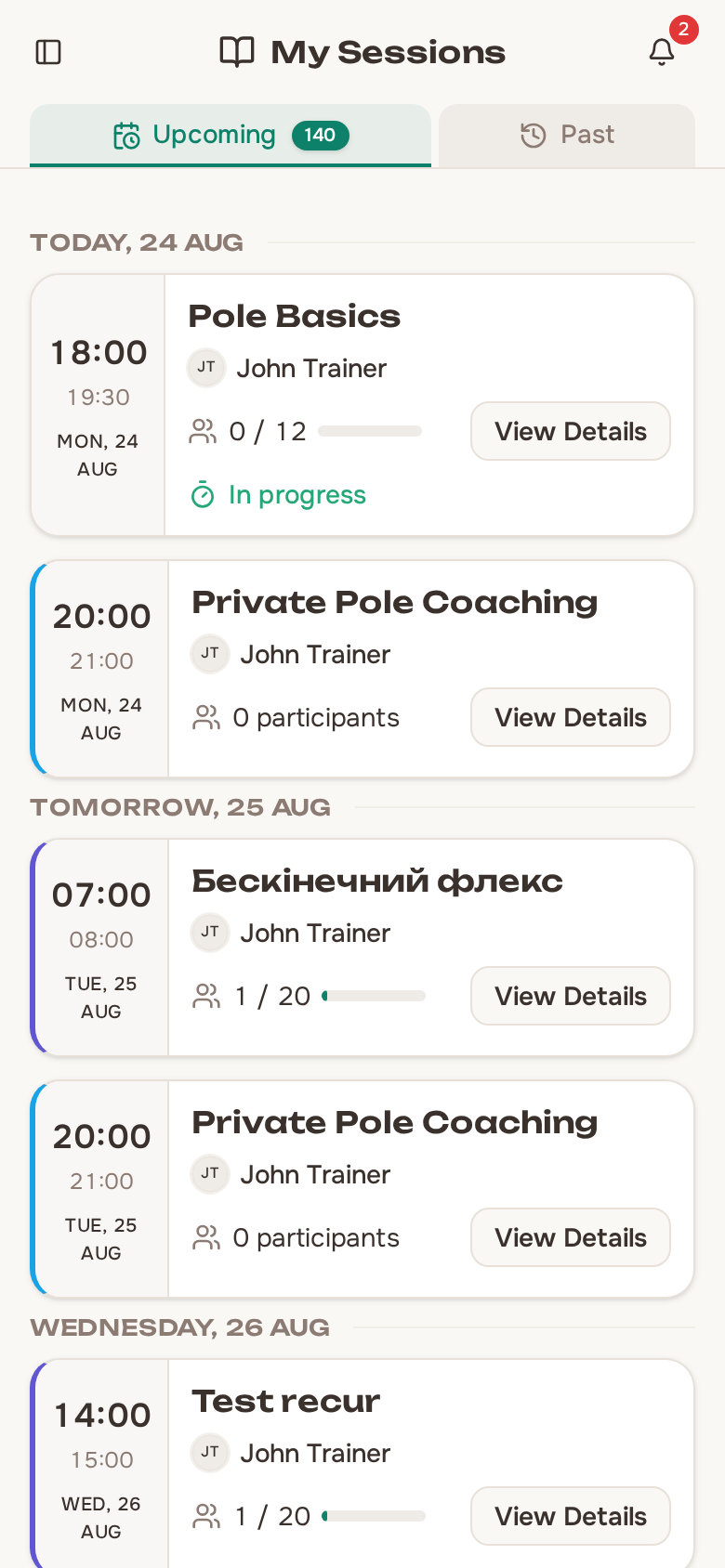
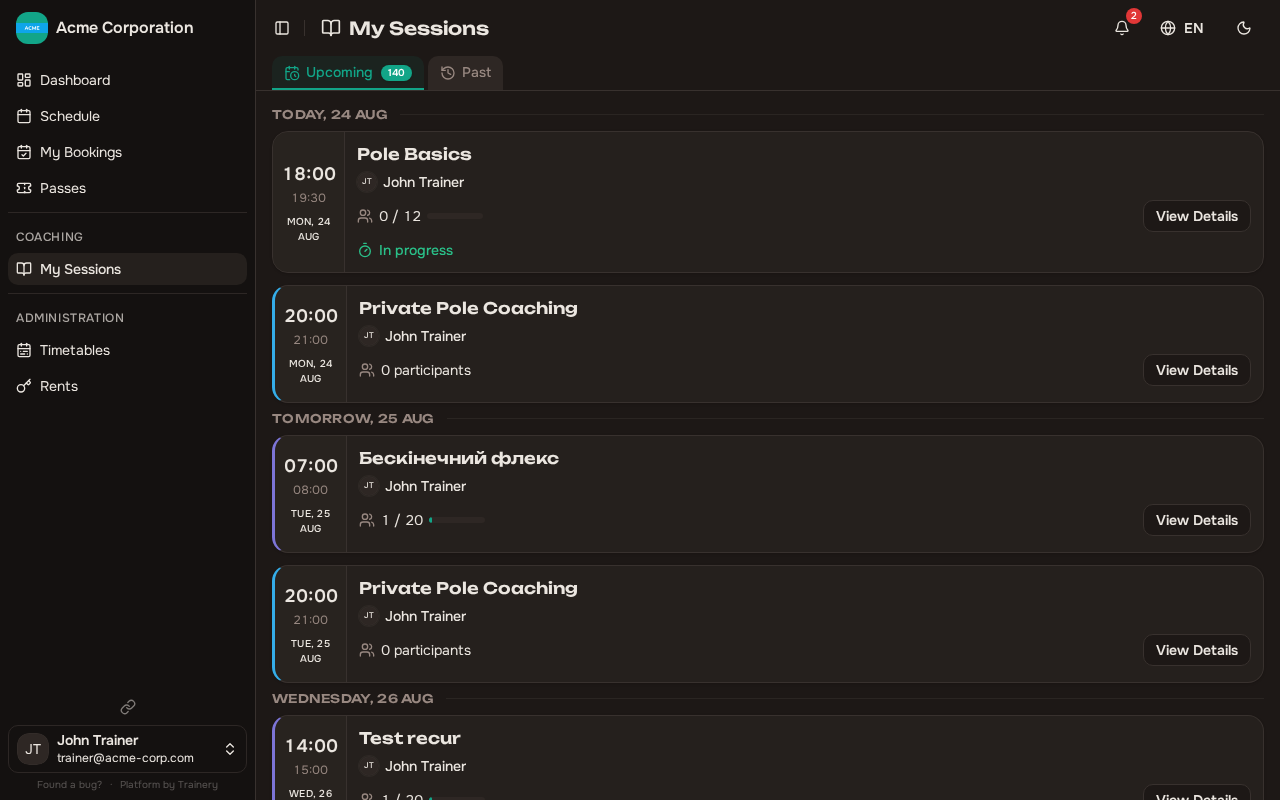
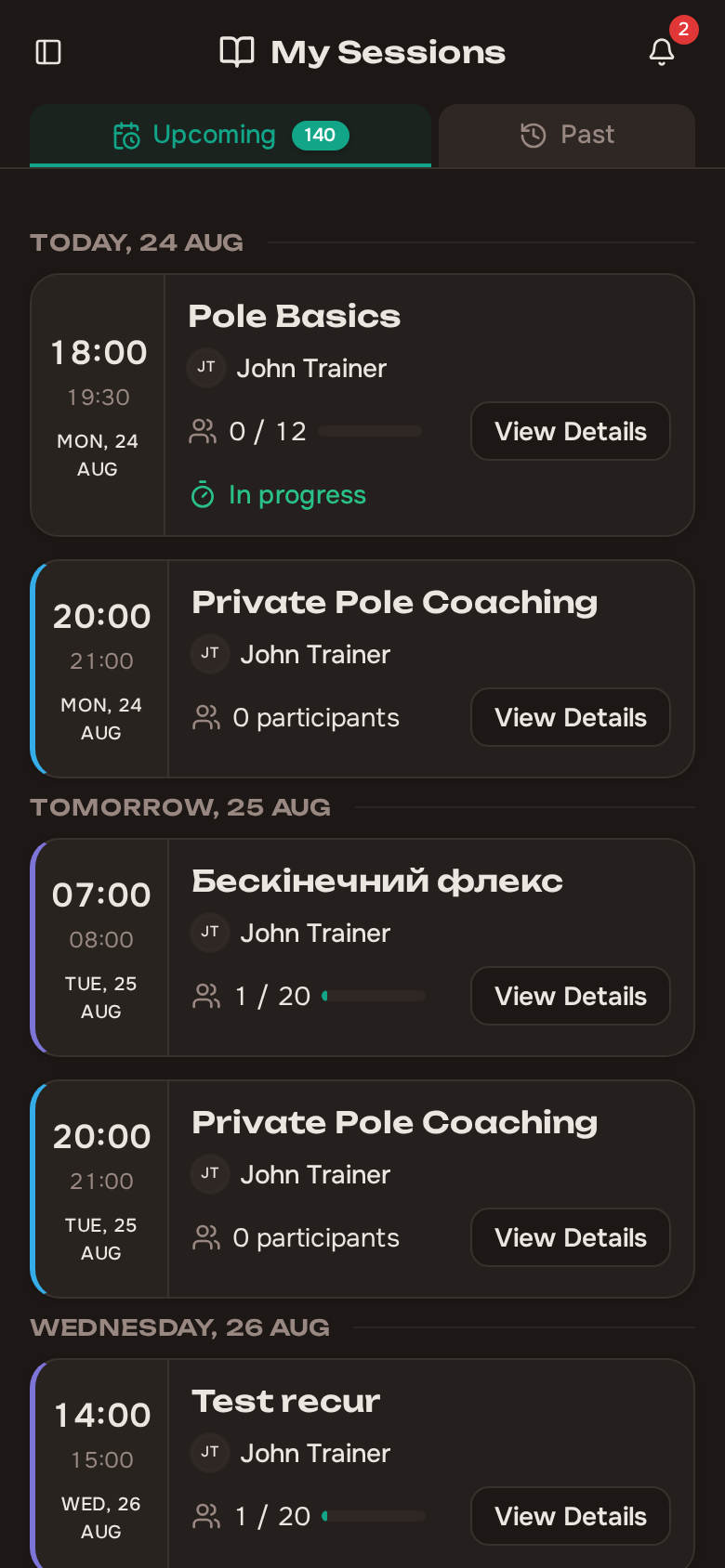
Section titled “Trainer Sessions Page”Trainery provides a dedicated Sessions page at /trainer/sessions specifically for trainers. This page lists all sessions you are scheduled to teach, making it easy to:
- See your upcoming sessions at a glance
- Open a session to view bookings and mark attendance
- Stay on top of your teaching schedule without navigating through the full calendar
Performance Dashboard
Section titled “Performance Dashboard”Your trainer dashboard shows key performance metrics to help you track your activity over time:
- Sessions conducted — Total number of sessions you have led
- Hours taught — Cumulative teaching time
- Total attendees — How many members have attended your sessions
- Average attendance rate — The percentage of booked members who attended
These statistics are available for the current month as well as all time, so you can monitor both recent performance and long-term trends.