Dashboard
The dashboard is your home screen in Trainery. It gives you a quick snapshot of your training activity and, when you are new, a guided checklist to help you settle in.
Training stats
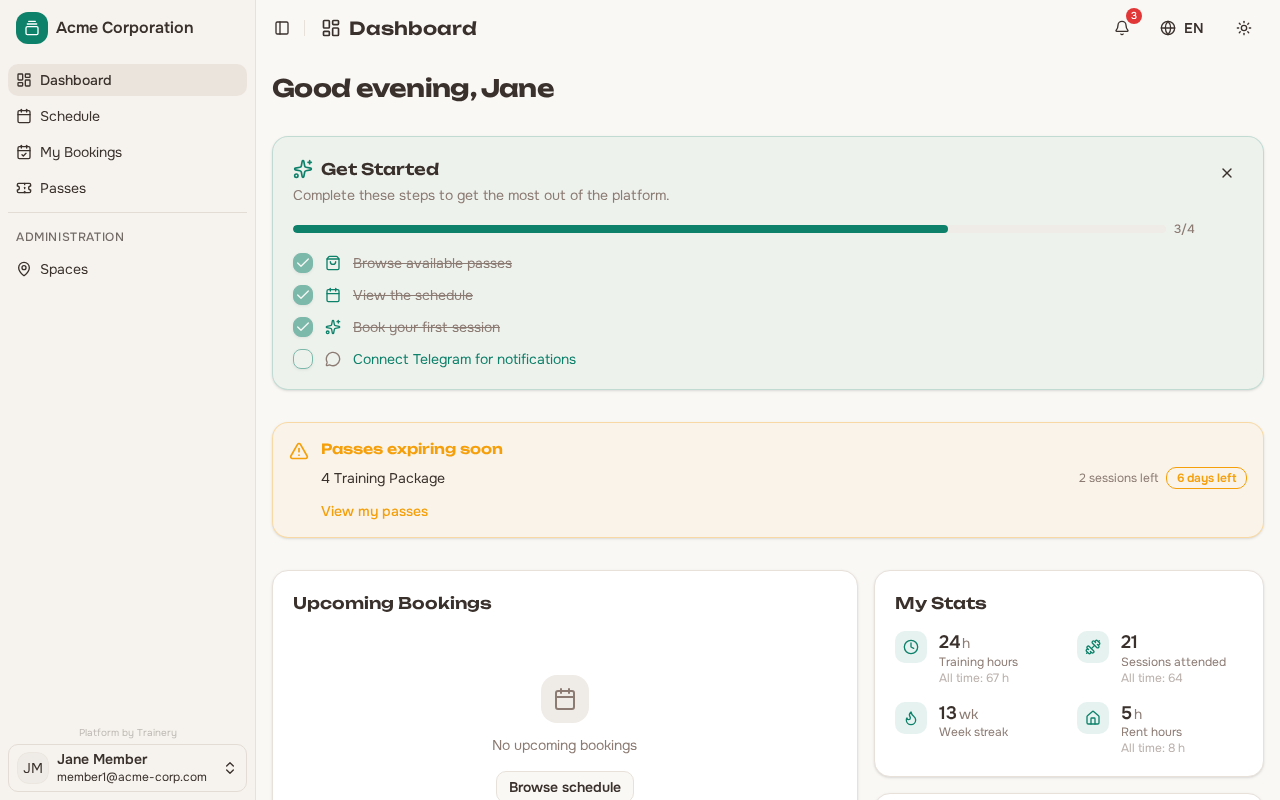
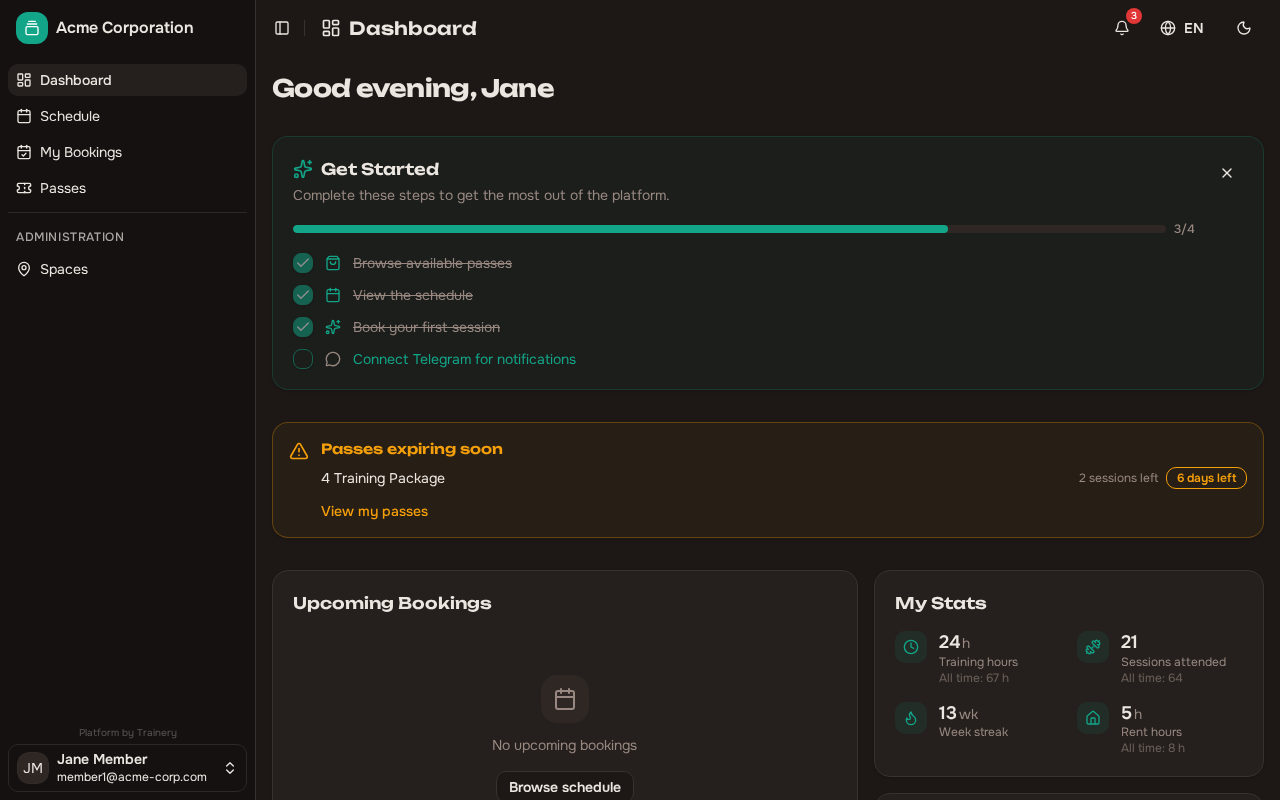
Section titled “Training stats”Your dashboard displays key numbers about your training activity:
- Training hours — Total time you have spent in sessions
- Sessions attended this month — How many sessions you have completed in the current month
- Sessions attended all time — Your overall session count since joining
- Weekly streak — The number of consecutive weeks you have attended at least one session
- Rent hours — Hours of space rental, if applicable to your organization
These stats update automatically as you attend sessions, giving you a clear picture of your progress without having to dig through your booking history.
Tip: Check your weekly streak regularly — it is a simple way to stay motivated and maintain consistency.
Onboarding checklist
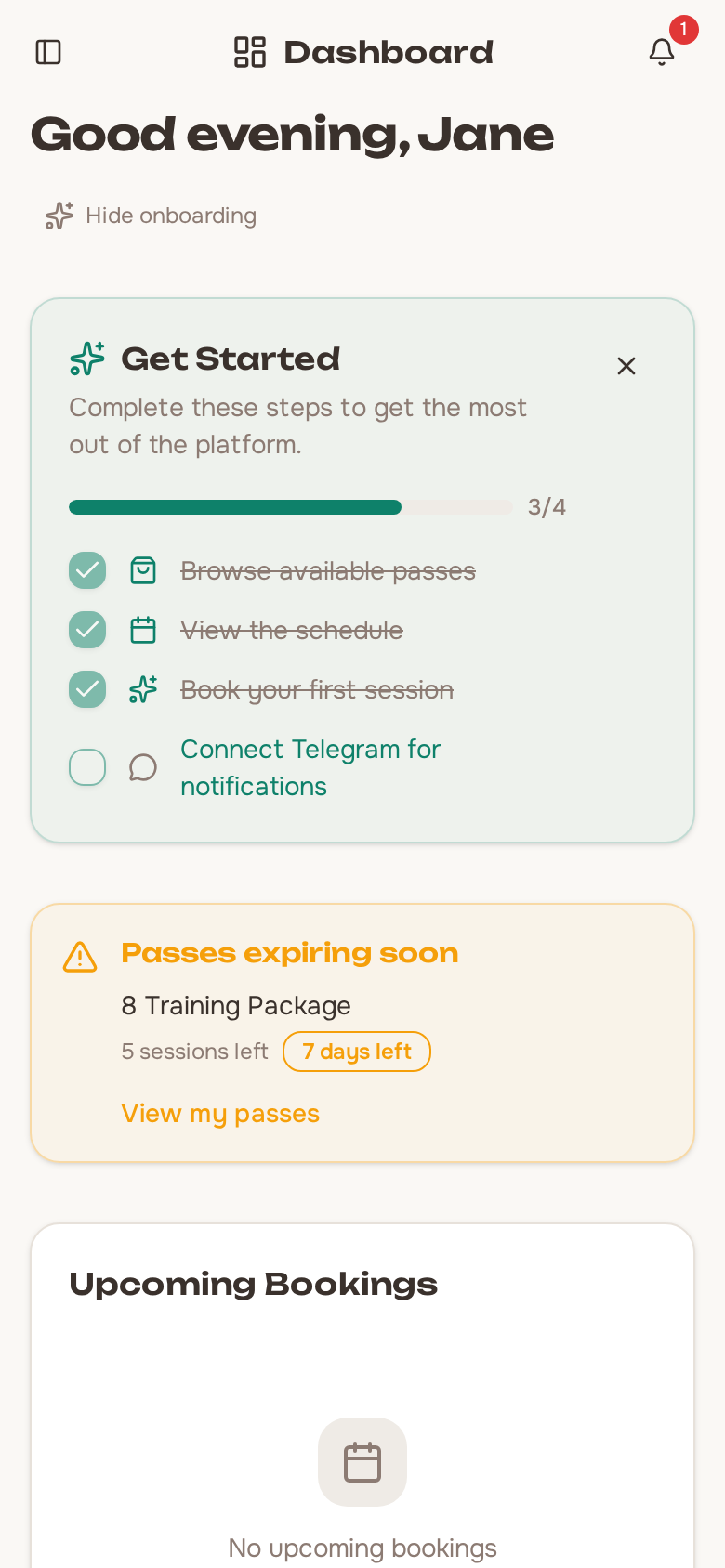
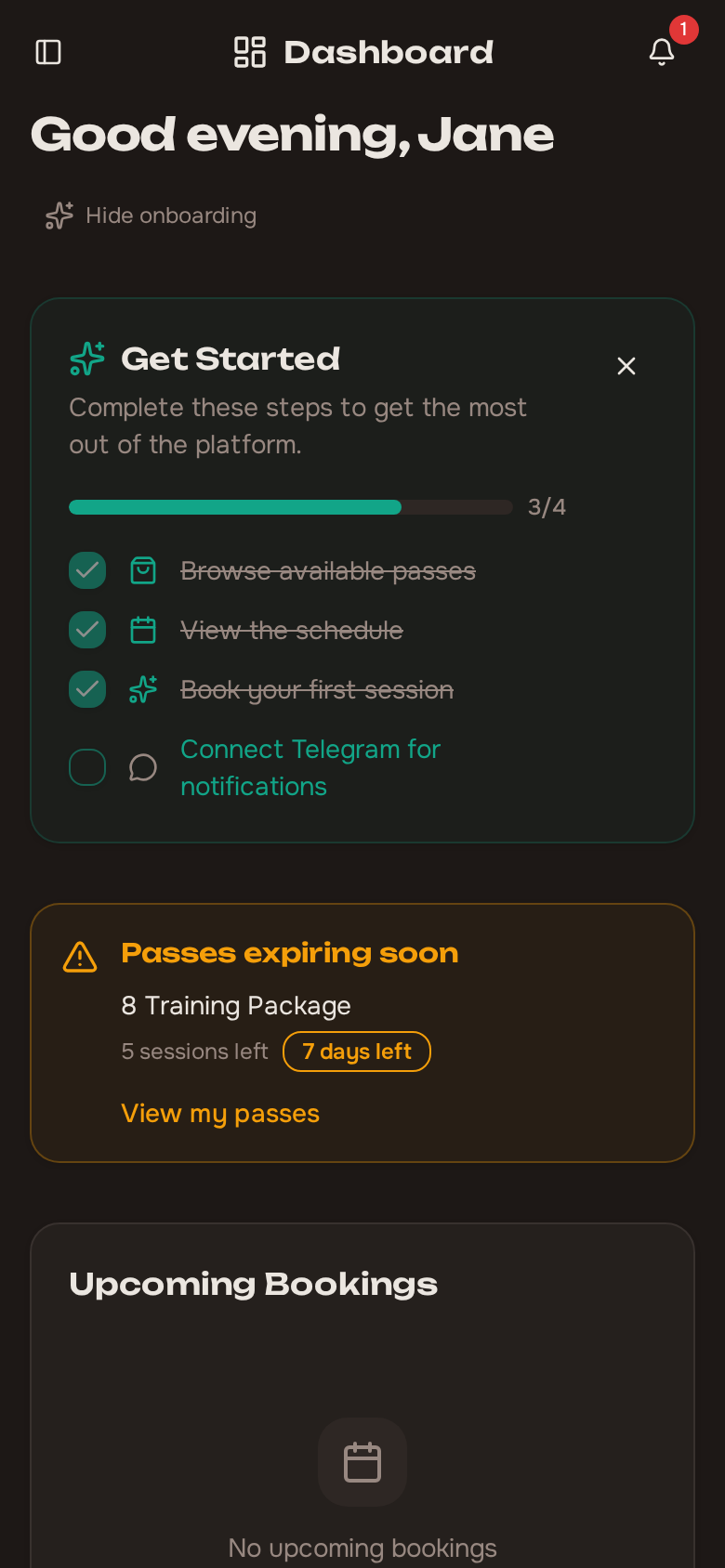
Section titled “Onboarding checklist”When you first join an organization, the dashboard shows a short onboarding checklist to help you get familiar with the platform. The checklist includes four steps:
- Browse available passes — Explore what passes your organization offers.
- View the schedule — Take a look at upcoming training sessions.
- Book your first session — Make your first booking to get started.
- Connect Telegram — Link your Telegram account to receive notifications.
Each step links to the relevant part of the app so you can complete it with a single click. Once you have worked through the steps, you can dismiss the checklist to clean up your dashboard.
Tip: You do not need to complete every step right away. The checklist stays visible until you dismiss it, so you can come back to it whenever you are ready.