Attendance
Tracking attendance helps you and your organization keep an accurate record of who showed up. As a member, you can mark your own attendance and review your history over time.
Marking your attendance
Section titled “Marking your attendance”After a session begins, you can mark yourself as attended. This option is available for confirmed bookings only — if you are still on the waitlist, the attendance option will not appear.
To mark your attendance:
- Find the session in your bookings (it will be in your upcoming or recent sessions).
- Once the session’s start time has passed, the option to mark attendance becomes available.
- Confirm that you attended.
Tip: Mark your attendance as soon as the session starts so you do not forget. Your trainer may also mark attendance on their end.
Viewing your attendance history
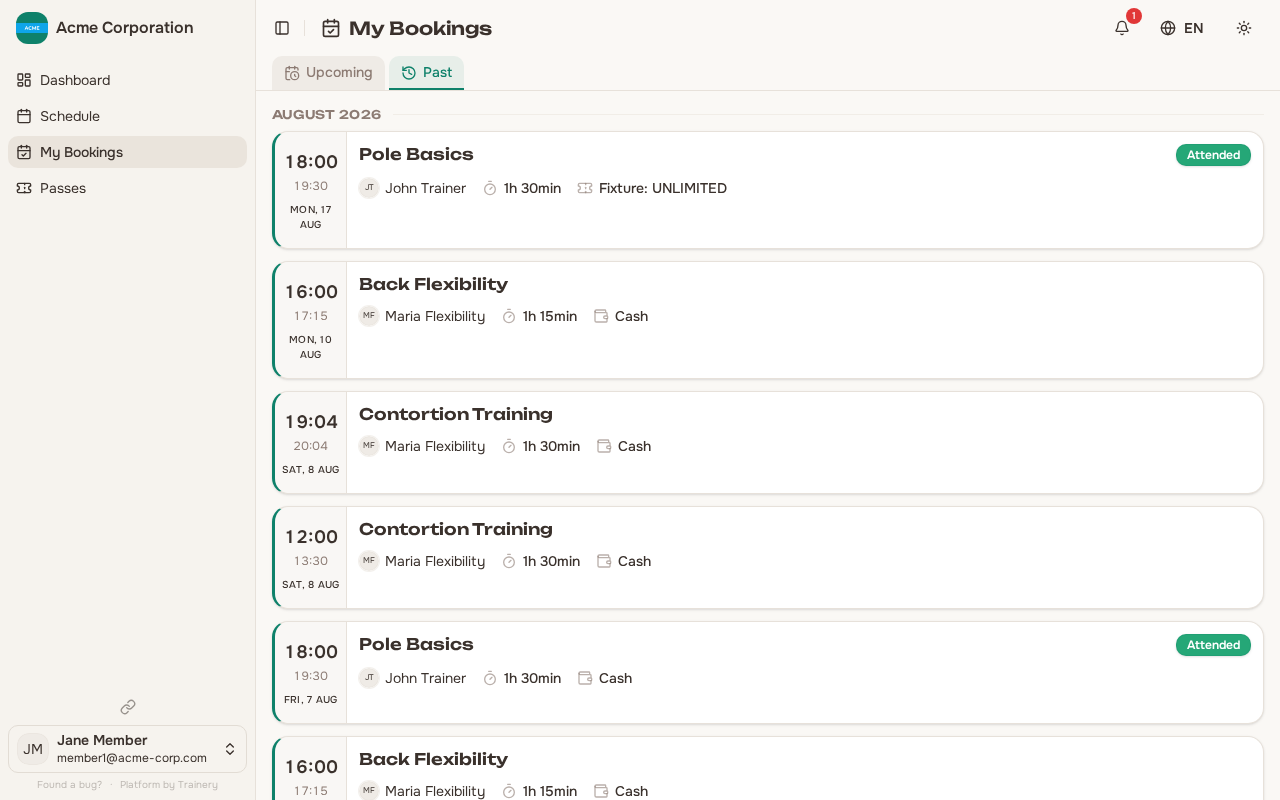
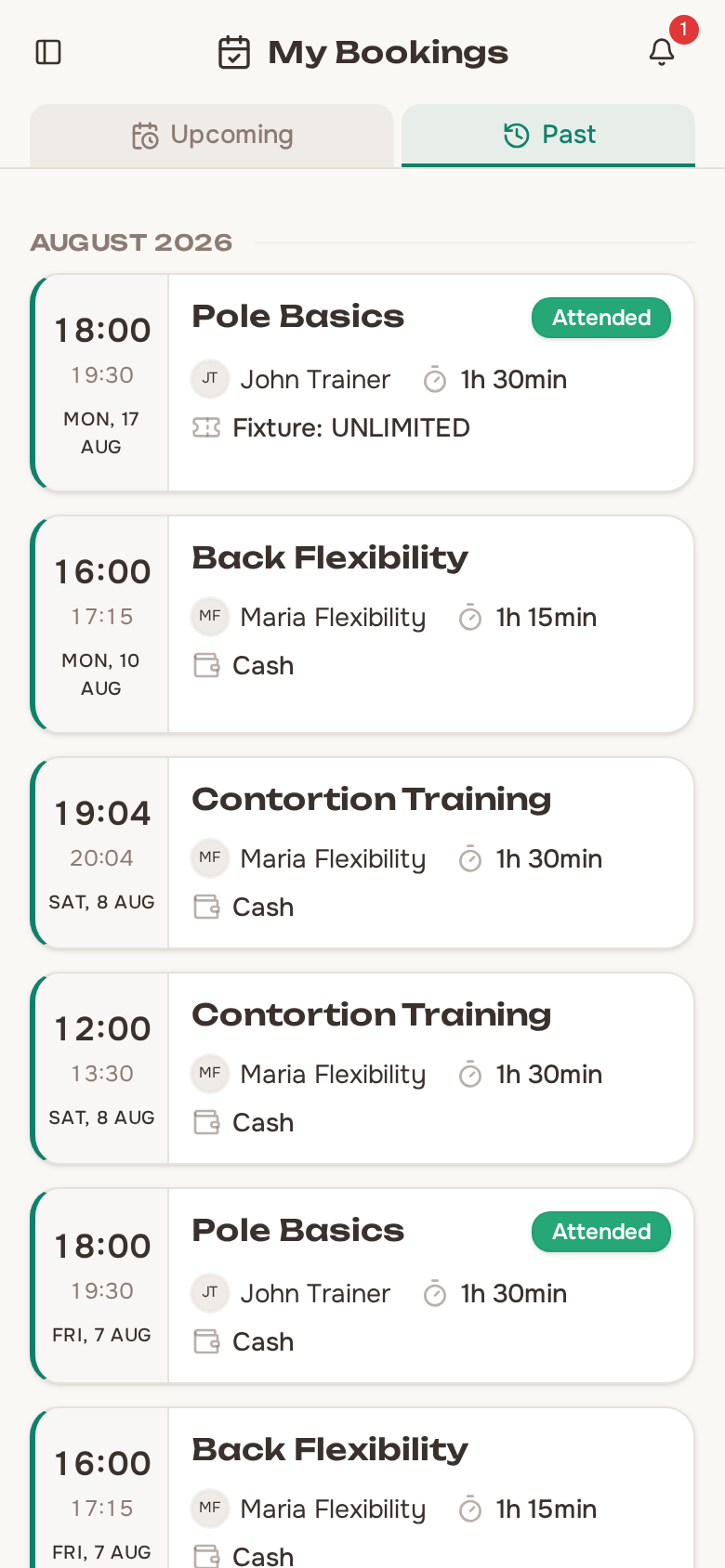
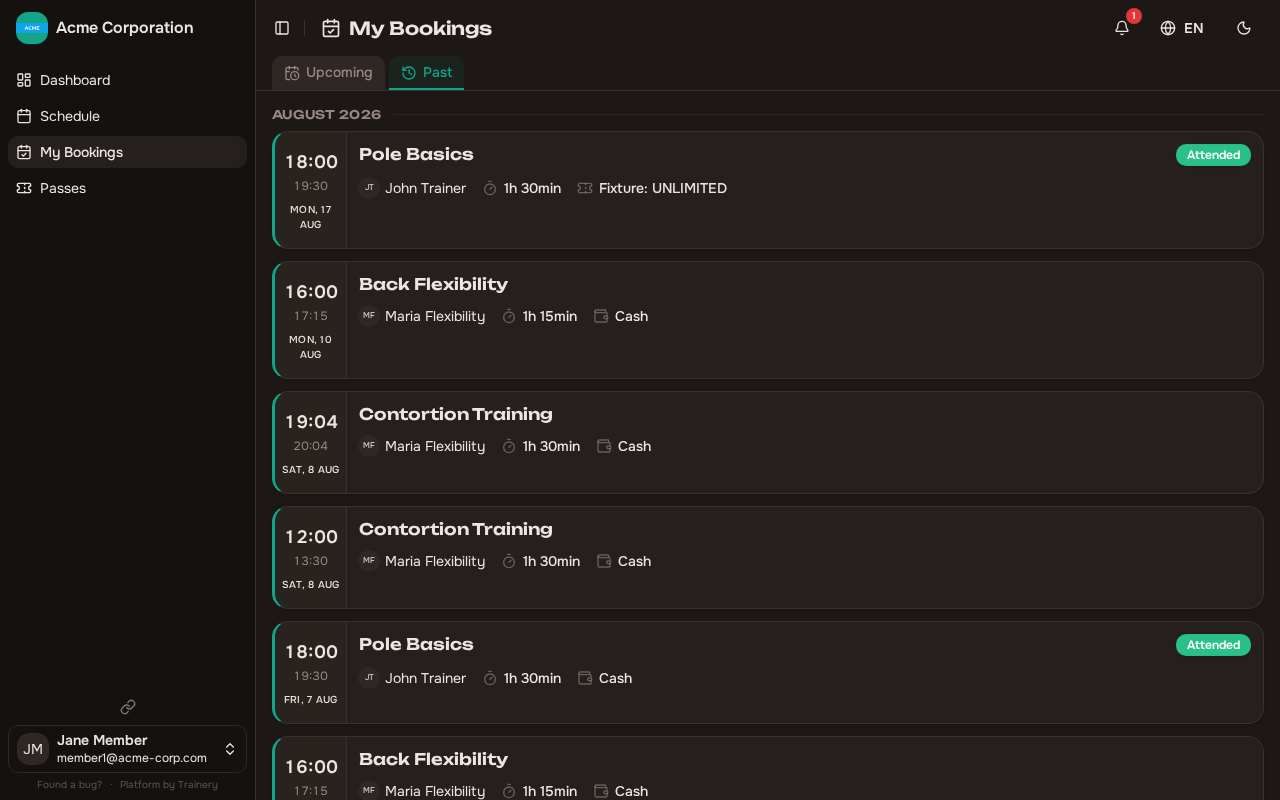
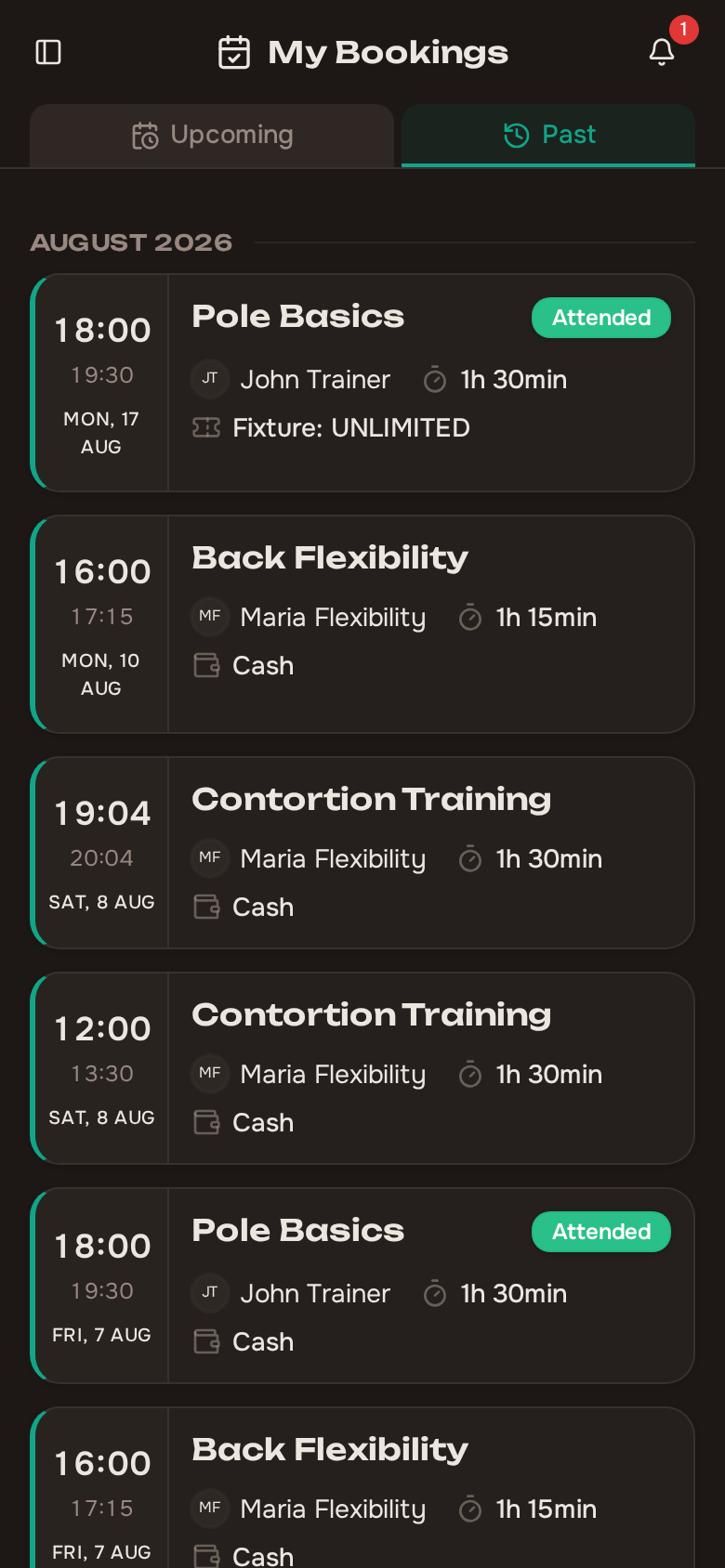
Section titled “Viewing your attendance history”The Attendance History section gives you a complete look at your past sessions. For each session you can see:
- The training name, date, and time
- Whether you were marked as attended or not attended
At the top of your history you will also find your overall attendance rate — the percentage of confirmed bookings you actually attended. This is a helpful way to track your consistency over time.