Finance
The finance section gives you a read-only overview of your organization’s financial activity. It pulls data from bookings, pass purchases, and space rentals to help you understand how revenue is flowing.
You need the finance.generate_reports permission to access the full finance dashboard. Members and trainers can see their own financial data through a self-service view.
Overview
Section titled “Overview”The overview tab shows high-level financial metrics for a selected date range:
- Total revenue — Combined income from all sources
- Revenue by category — Breakdown across bookings, rent, and pass purchases
- Average per session — How much each session generates on average
- Active passes value — The total value of currently active passes
The overview also includes Trainer Payout and Profit — revenue minus trainer payout — for the selected period.
A revenue-over-time chart shows how income has changed across the selected period. The chart automatically adjusts its time buckets based on the date range: daily for short ranges, weekly for medium ranges, and monthly for longer periods.
A category breakdown chart gives you a visual split of where your revenue comes from.
You can also see tables of your top trainers (by revenue generated) and top members (by spending).
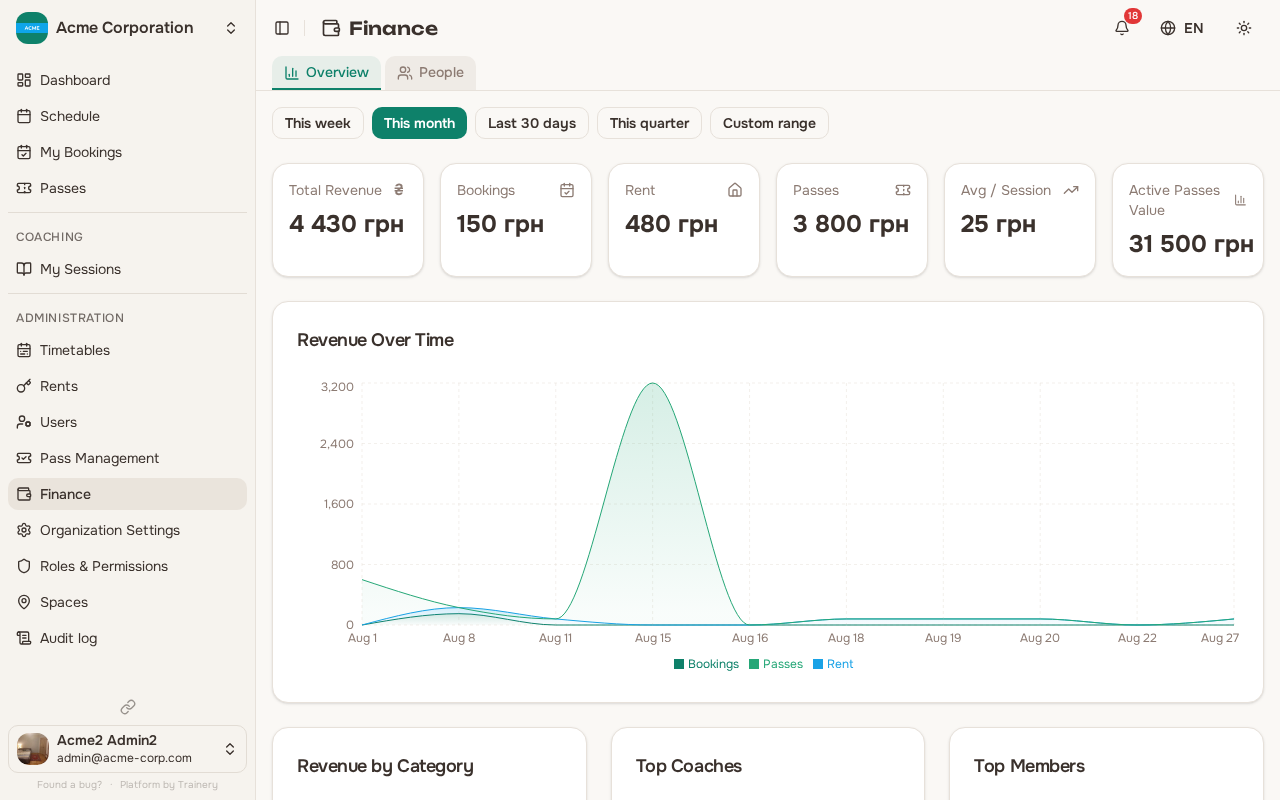
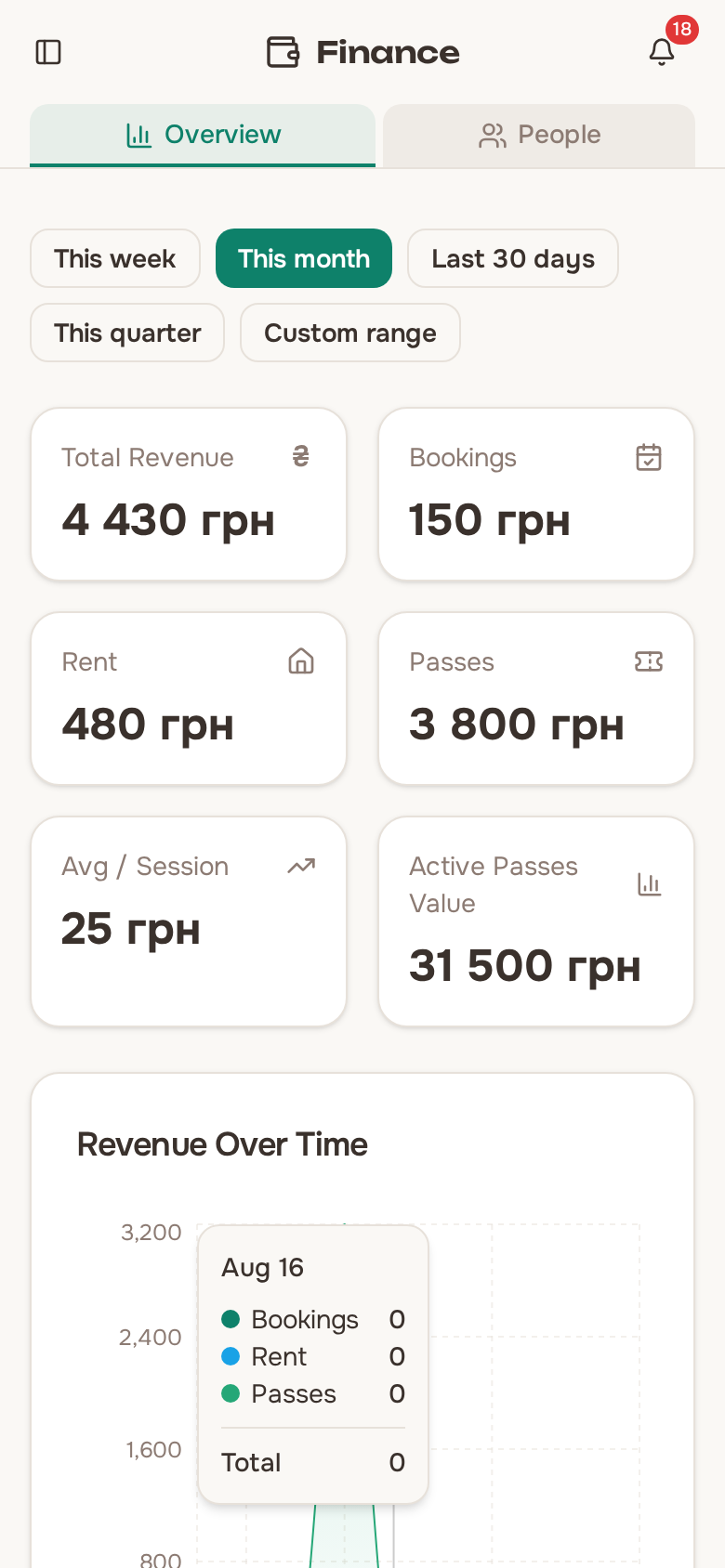
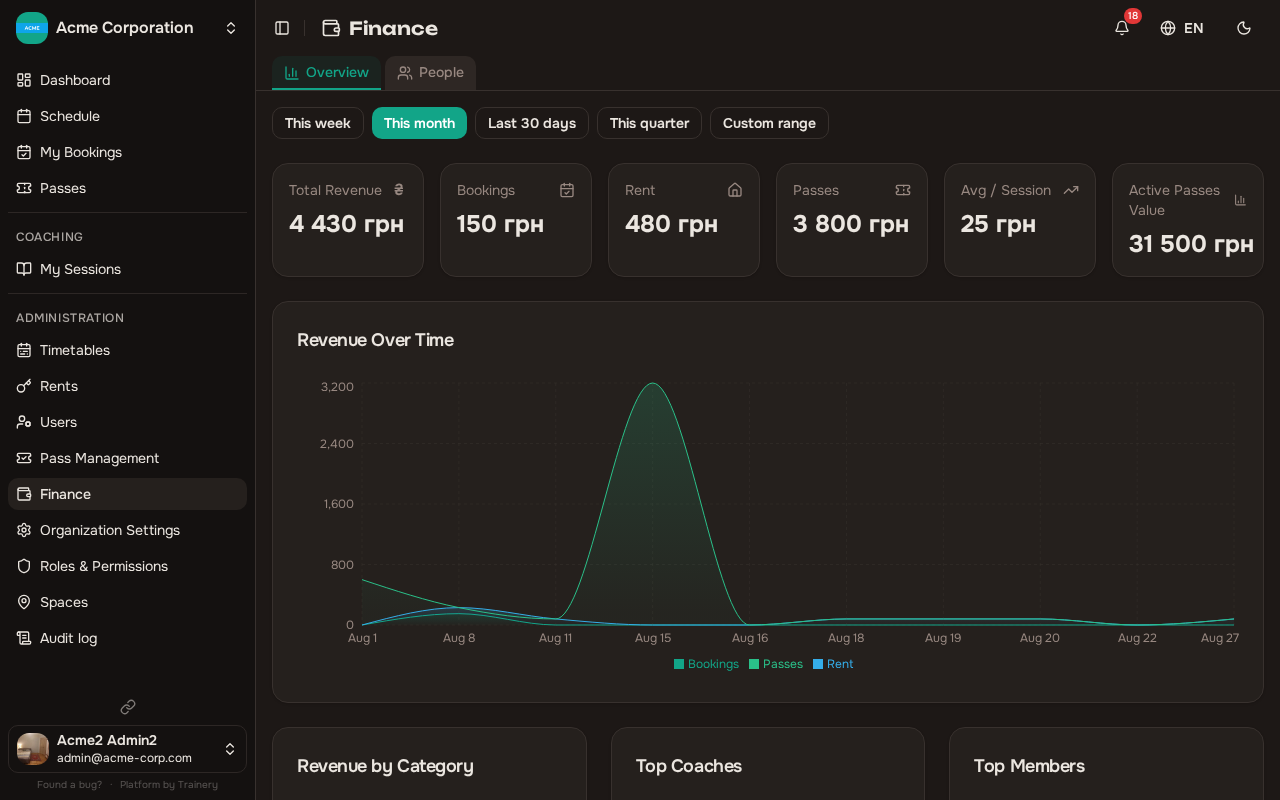
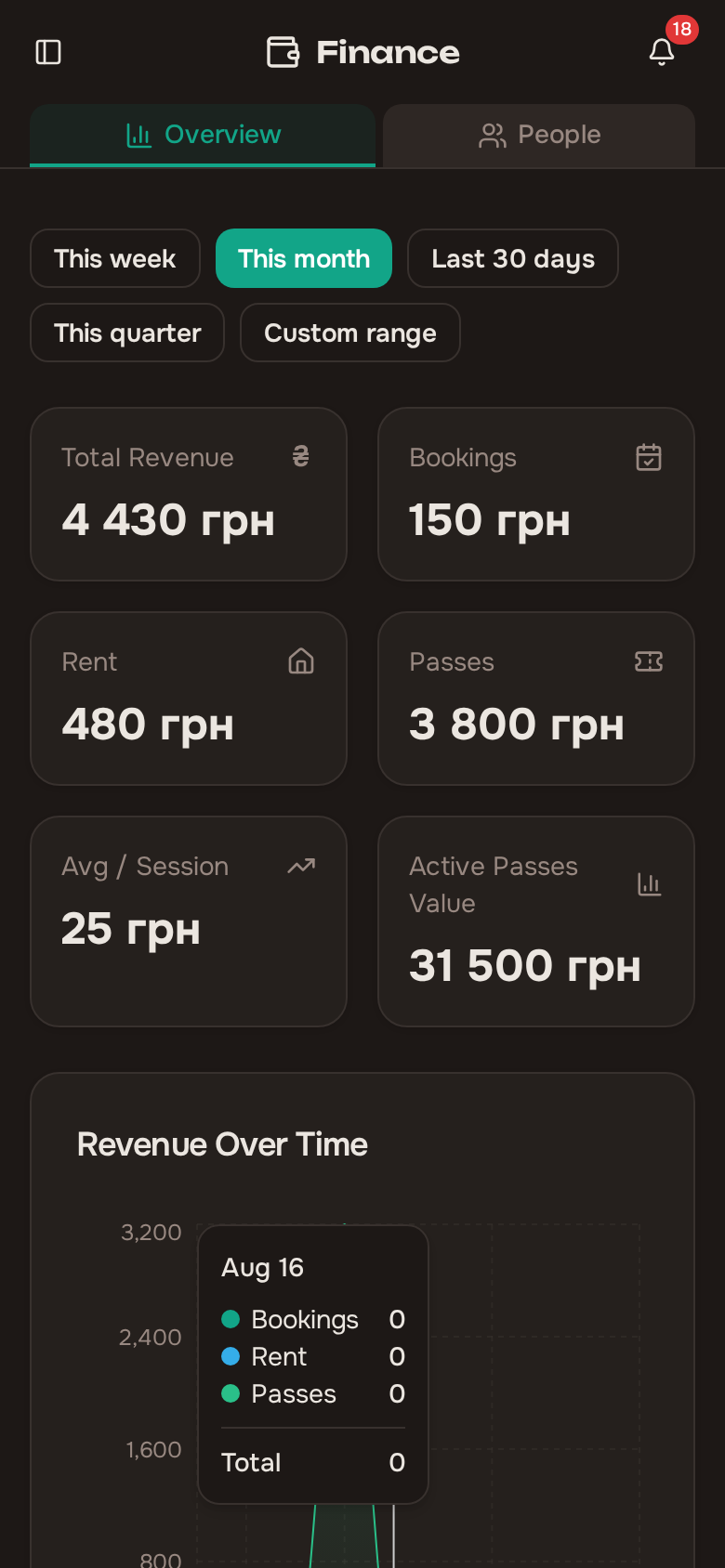
Use the date range picker to focus on specific periods. Presets include “This week”, “This month”, “Last 30 days”, and “This quarter”, or you can set a custom range.
People
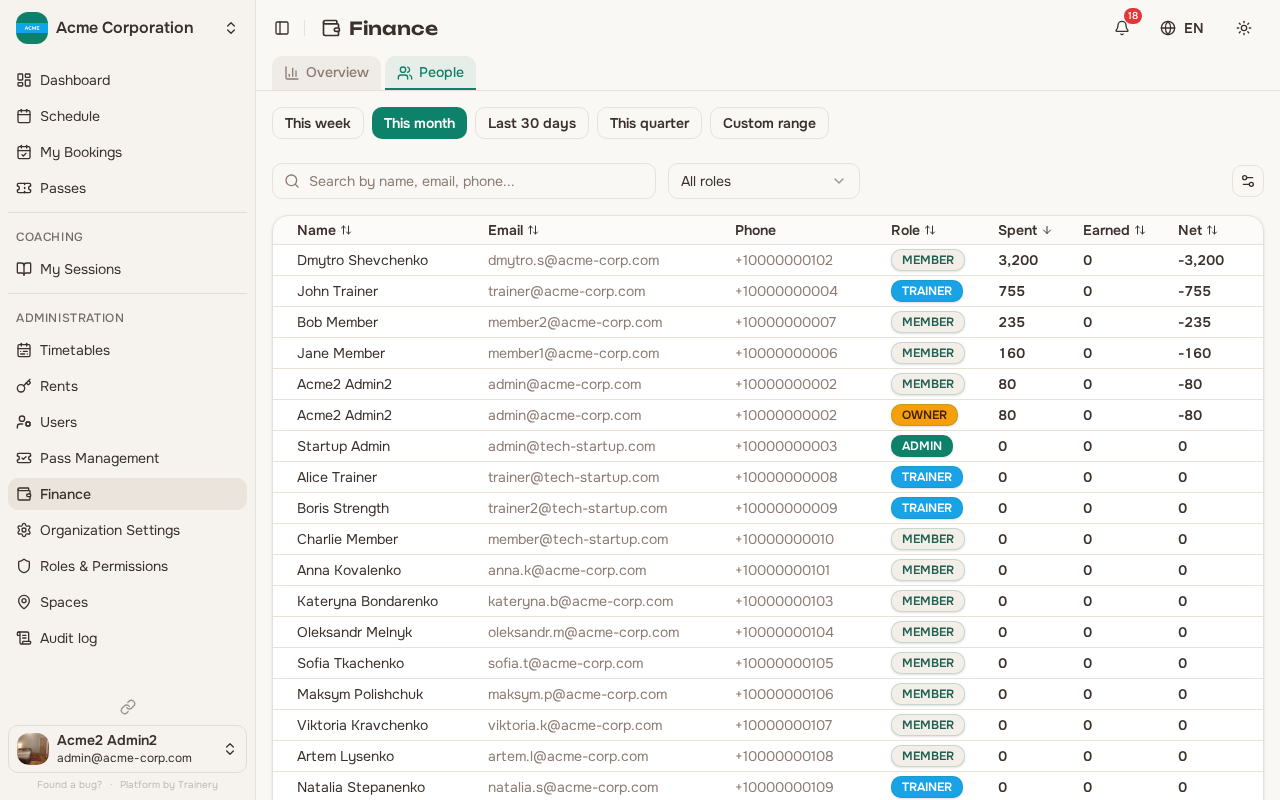
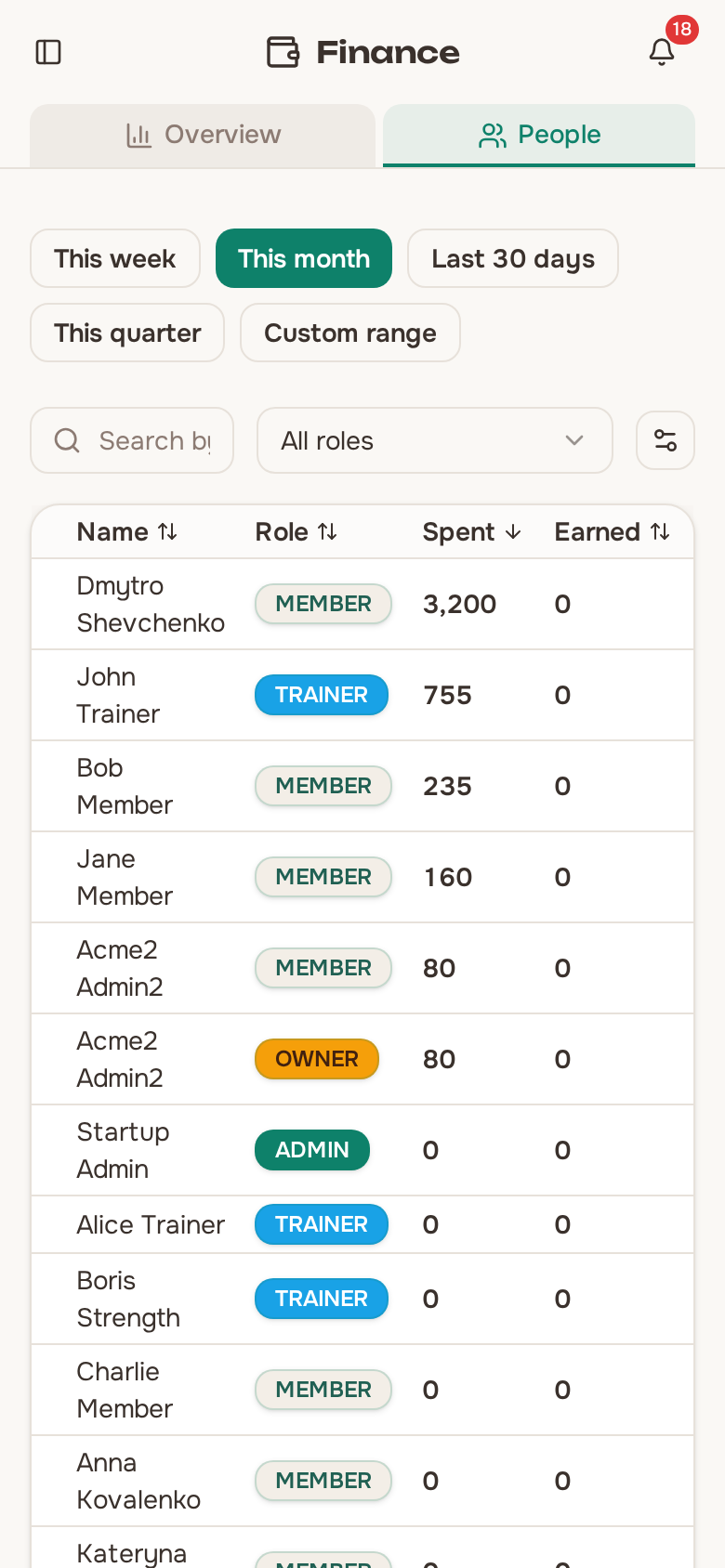
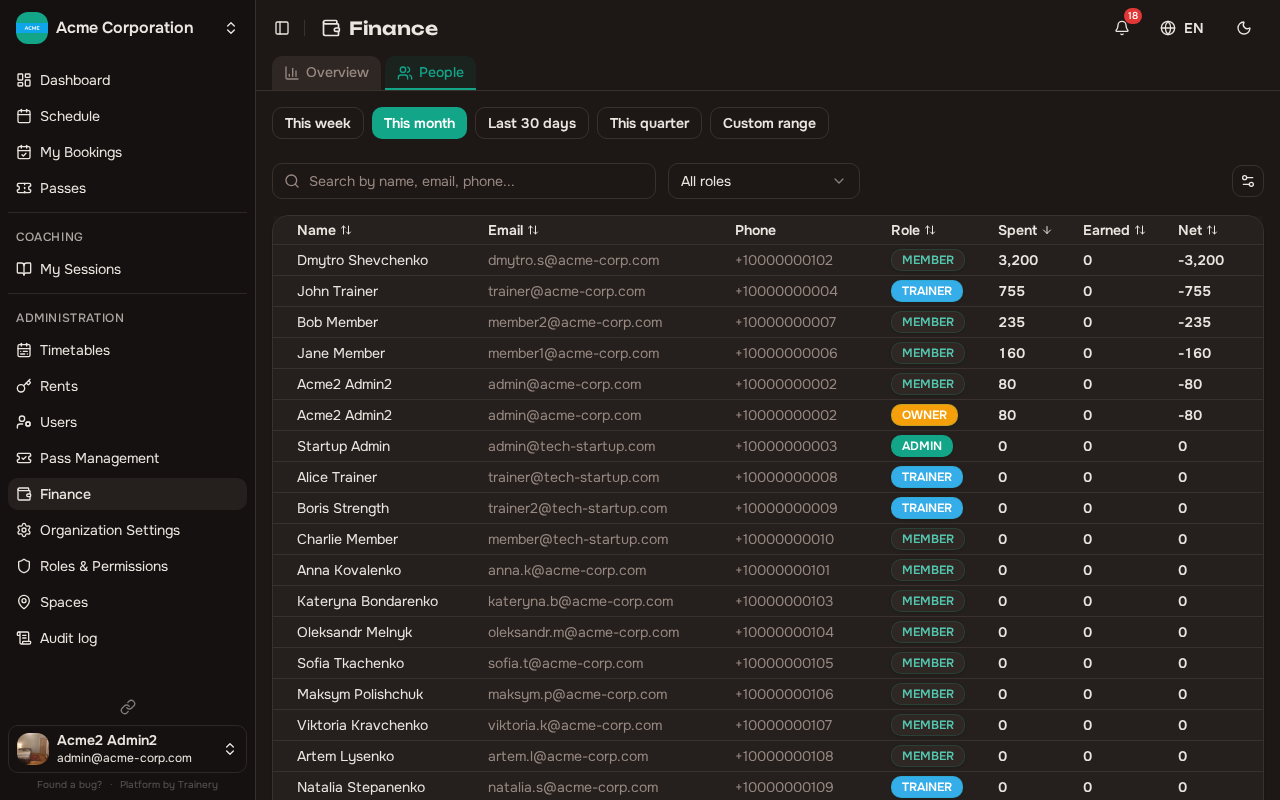
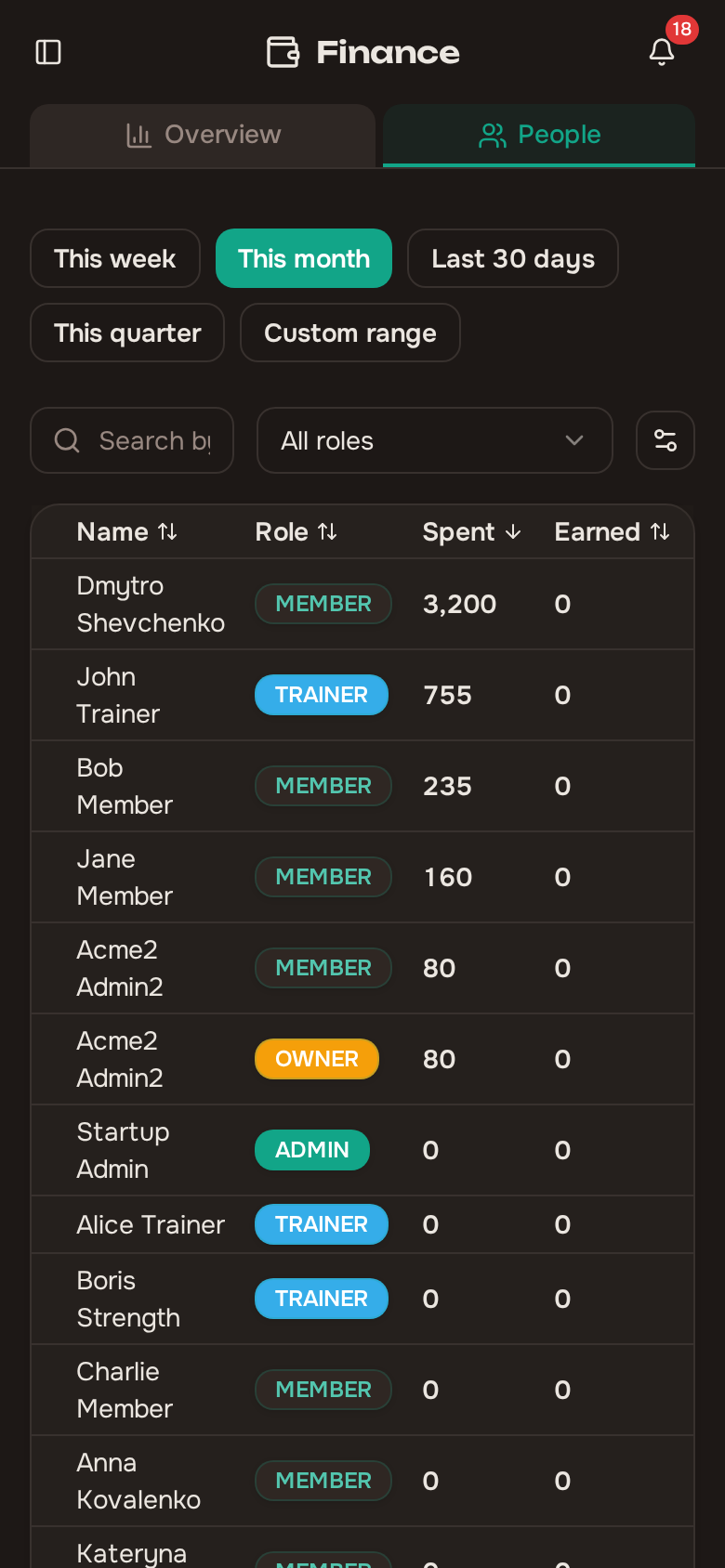
Section titled “People”The people tab provides a per-member financial view:
- A sortable table showing each member’s spent, earned, and net amounts
- Filter by role to focus on trainers, members, or admins
- Search by name, email, or phone number
- Expand any row to see the individual transaction list for that person
Each transaction shows the date, type (booking, rent, or pass purchase), amount, and related details.
Self-service view
Section titled “Self-service view”Members and trainers can view their own financial data without needing admin permissions:
- Members and trainers see their own spending summary and transaction history
Trainers do not see what their sessions earned. That figure is the studio’s gross revenue for the session, not the trainer’s pay, so it stays with admins and owners on the People tab.
This is available from the personal finance section (requires the finance.view_own_spending permission).
Trainer pay rates
Section titled “Trainer pay rates”The Rates tab is where you decide what each trainer earns. You set Studio default rates for two categories:
- An Individual rate — a flat fee per individual session.
- A Group rate per seat — charged per booked seat in a group session, covering both open and closed courses.
You can create reusable presets (Manage presets) and assign one to a trainer, or give a trainer a Custom… amount of your own. A trainer with neither shows Inherit default. The effective rate resolves in order: preset → custom → studio default → none.
A category with no rate anywhere reads Not set and pays nothing. Rather than paying a silent zero, Trainery flags it as a warning so a forgotten rate does not quietly go unpaid.
Setting rates needs the Manage Payments permission.
Trainer payouts
Section titled “Trainer payouts”The Payouts view shows, per trainer:
- Settled — finalised pay for sessions that have already ended. It is frozen when the session ends and computed on every booked or paid seat, including no-shows.
- Projected — a live estimate drawn from the current bookings on sessions that have not yet ended.
Together these add up to a Total Payout, and the view warns how many sessions still have no rate. A session with no rate is left open rather than settled at zero, so pay you set later still applies to it.
The Payouts view needs the View All Salaries permission.
Revenue calculation
Section titled “Revenue calculation”Revenue amounts are calculated as follows:
- Bookings: The amount is recorded when attendance is marked. Free sessions record zero. Pass-based sessions use the pass price divided by sessions included. Cash and card payments use the training template price.
- Passes: Revenue is based on the purchase price recorded when the pass was granted.
- Rentals: Revenue uses the rent price set at creation time.