Managing Sessions
While schedules define the overall pattern, occurrences are the individual sessions that members actually attend. Trainery gives you control over each occurrence, so you can make adjustments without changing the entire schedule.
Viewing Session Occurrences
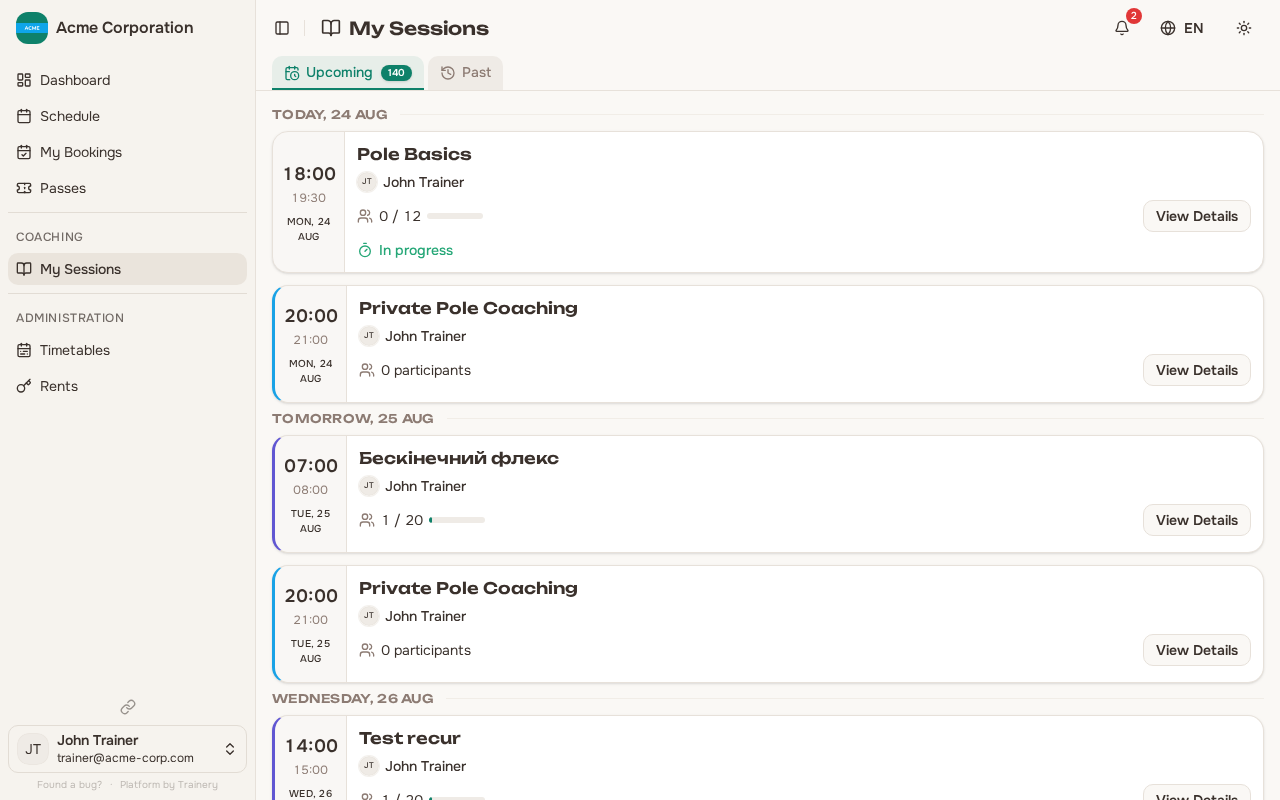
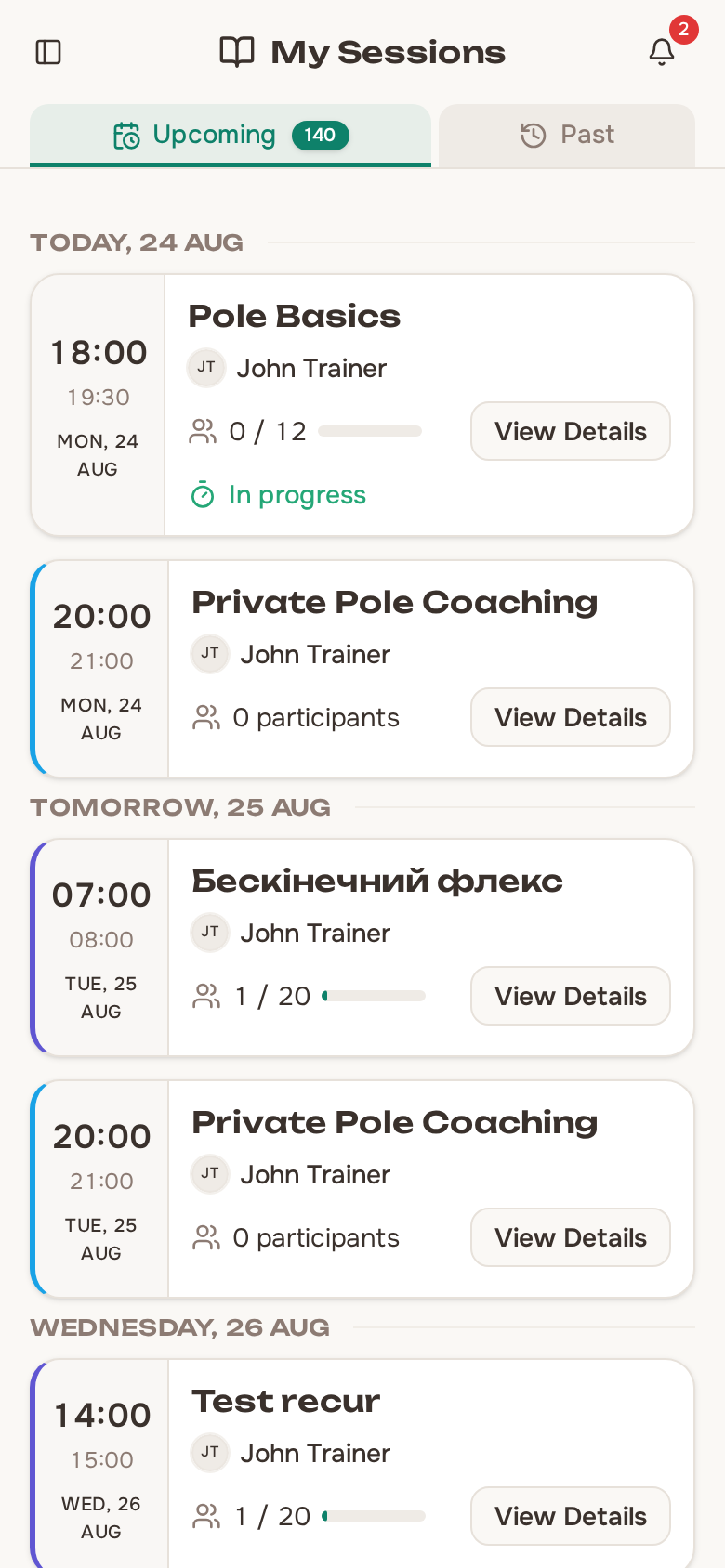
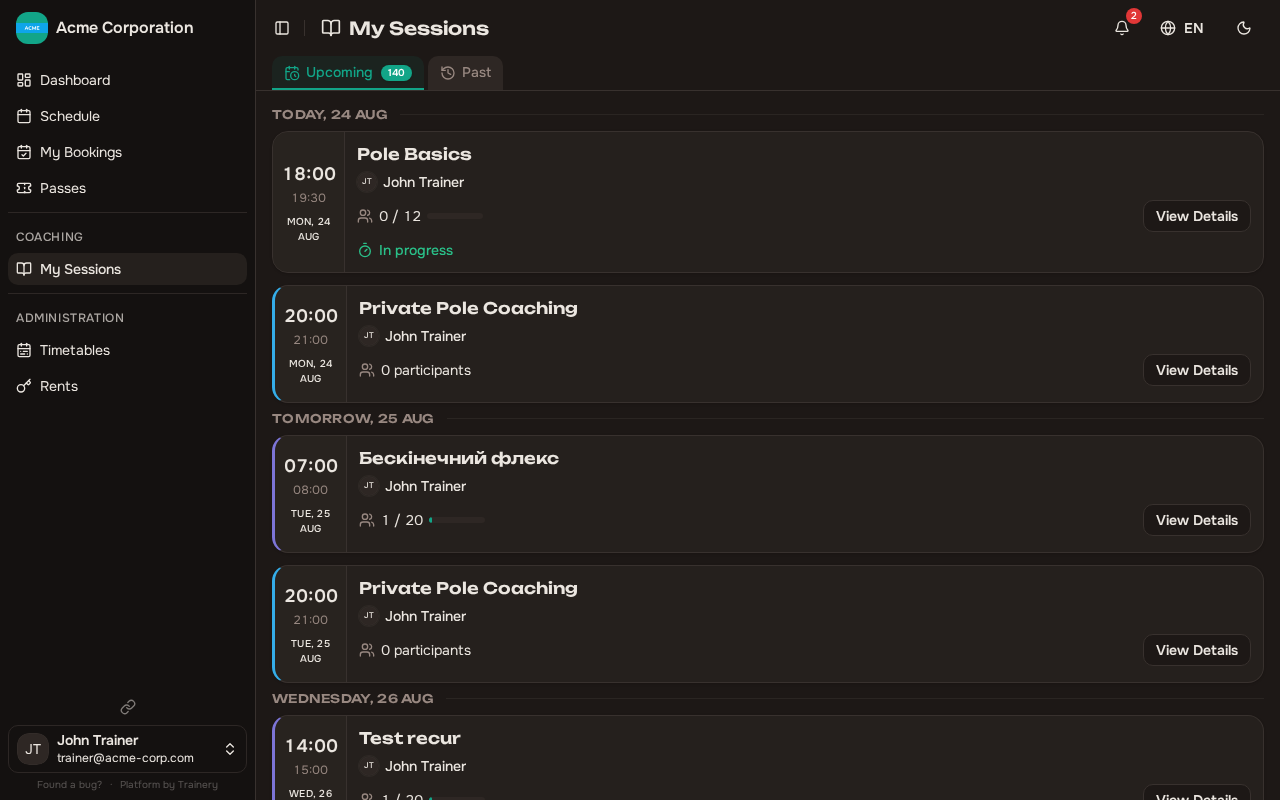
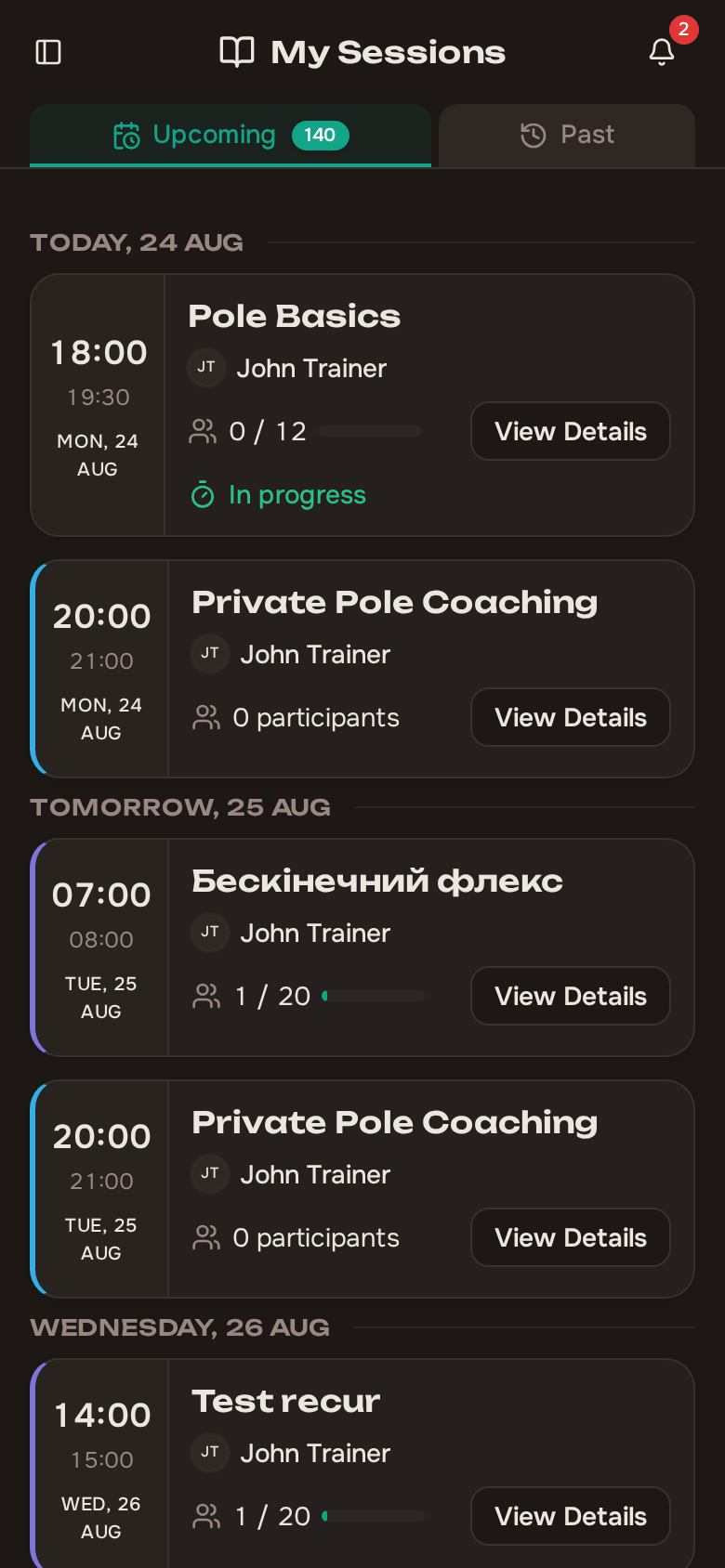
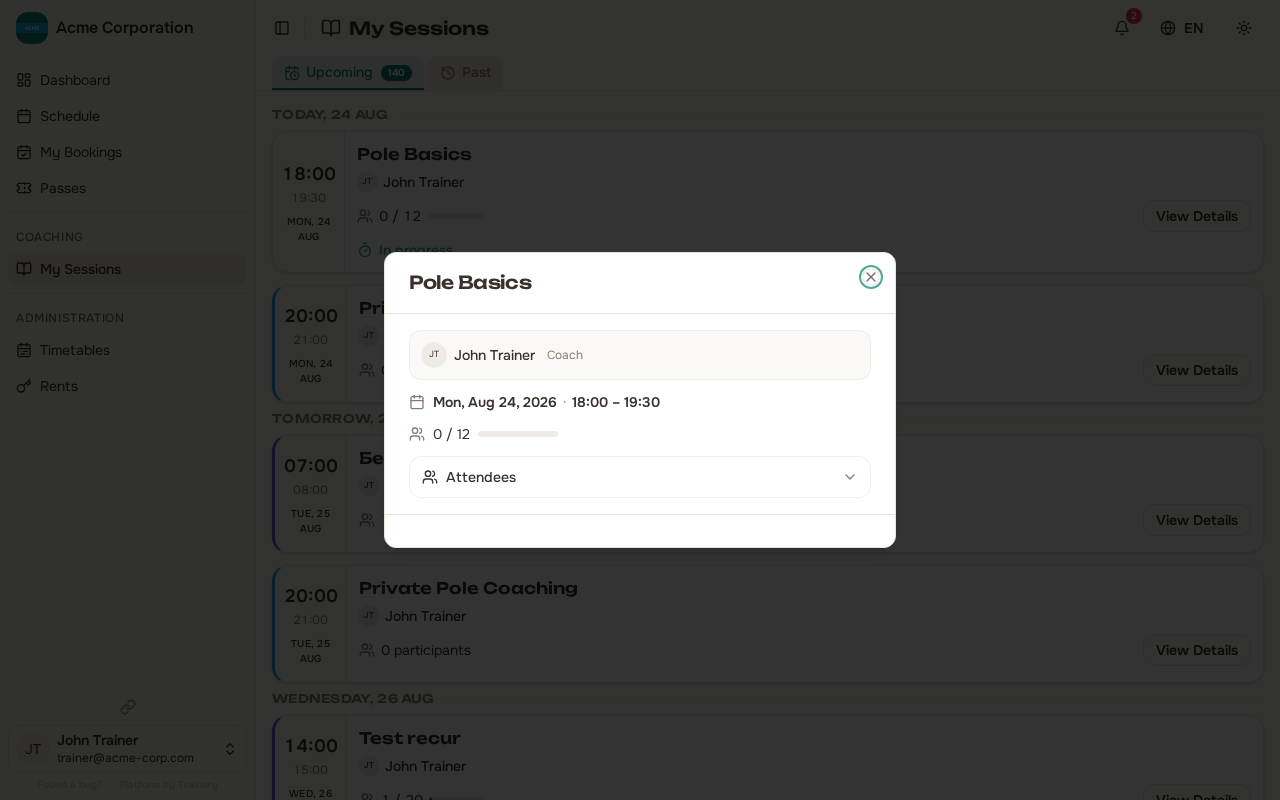
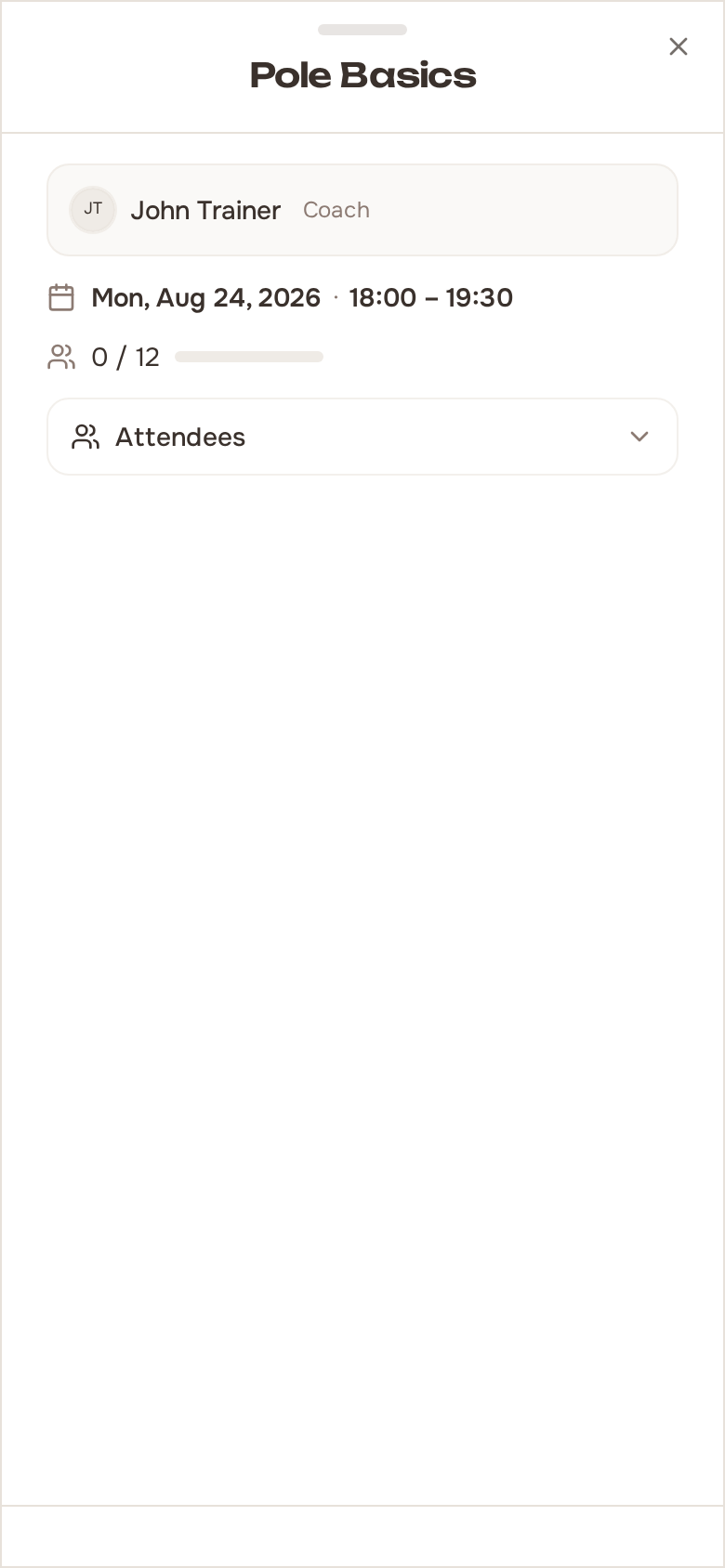
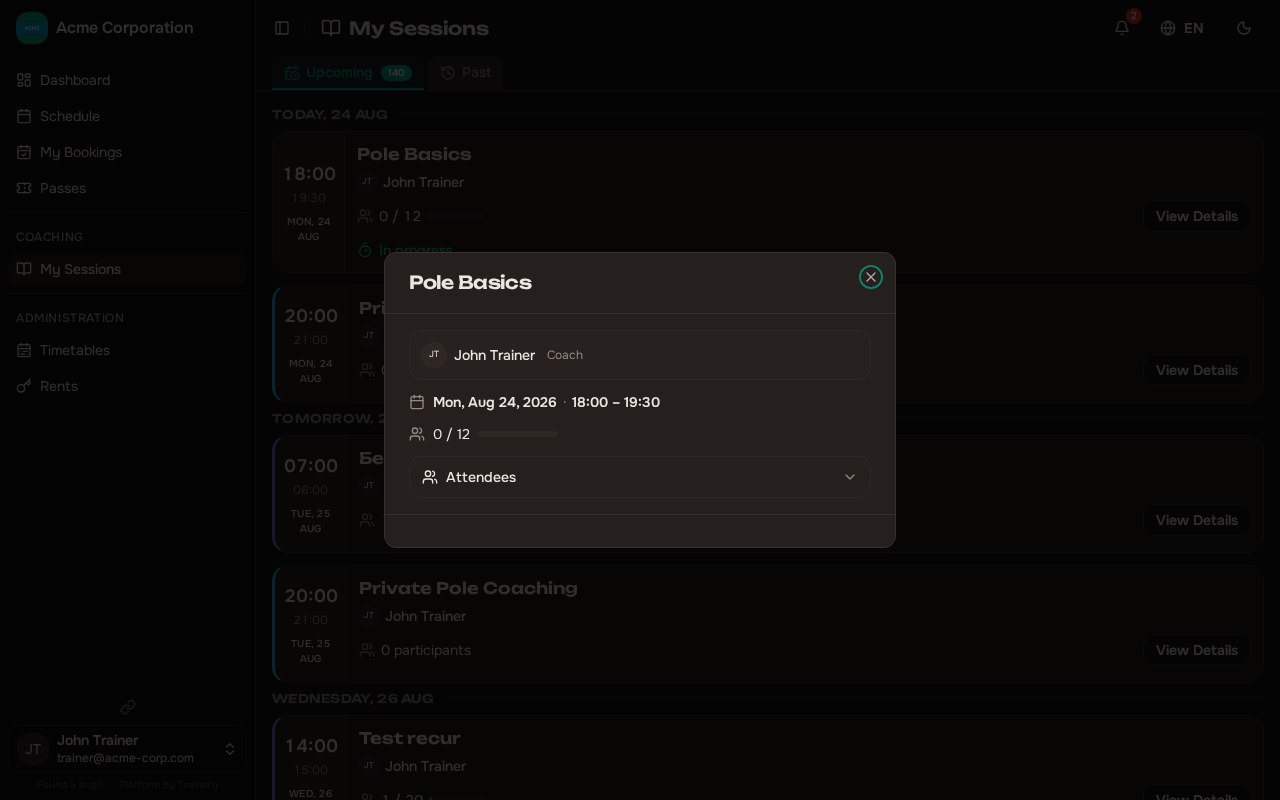
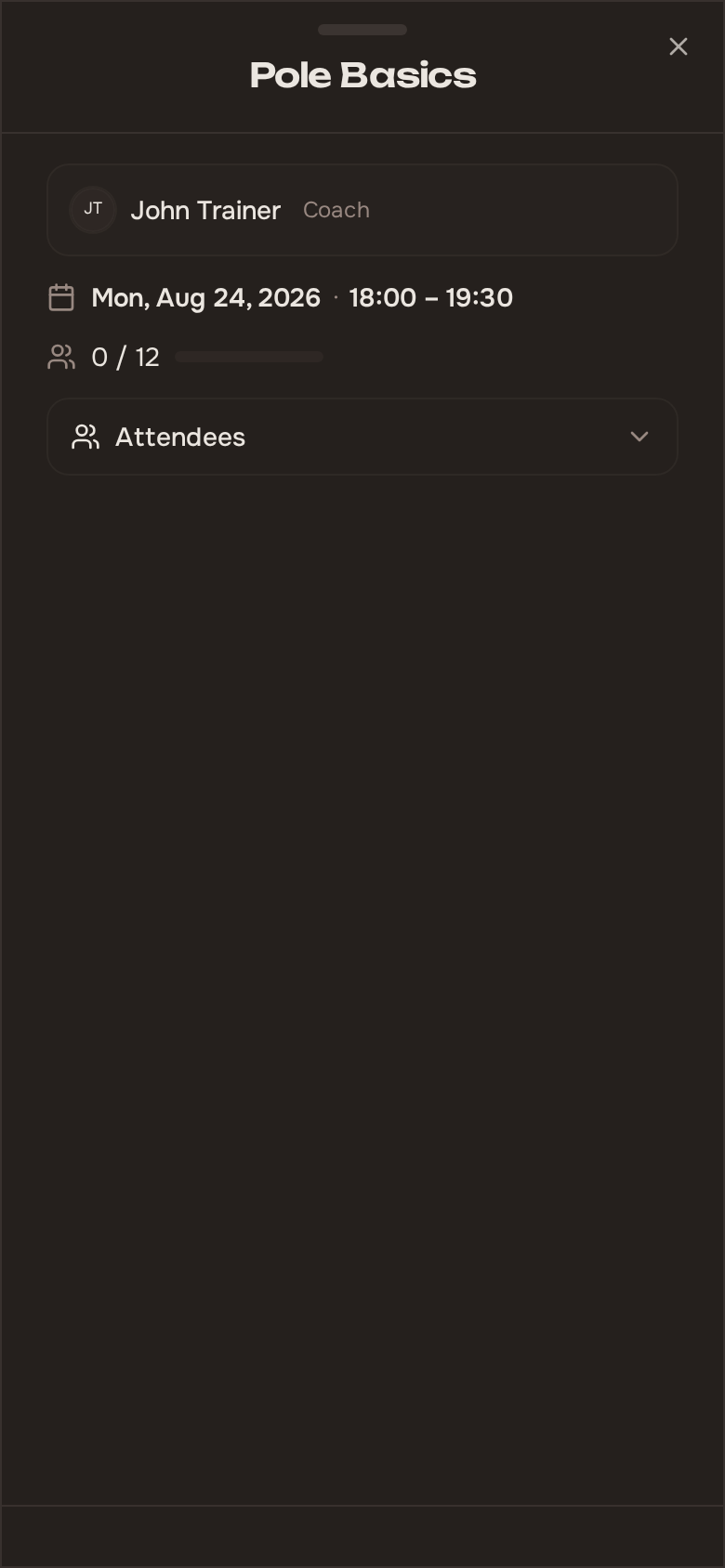
Section titled “Viewing Session Occurrences”Your upcoming and past occurrences are listed on the Sessions page (/trainer/sessions) and on the calendar — the Sessions page shows only the sessions you lead. Each entry shows the session’s details, including any overrides that have been applied. Open any session to see its full details and management actions in the session detail panel.
Overriding a Single Occurrence
Section titled “Overriding a Single Occurrence”Sometimes a specific session needs to differ from the rest of the schedule. Open the session and click Override Session — you can then override the following for that single occurrence:
- Capacity — Increase or decrease the number of available spots for this session only.
- Space — Move the session to a different room or area.
- Trainer — Assign a substitute trainer if you are unable to lead the session.
- Date and time — Reschedule this particular session to a different slot.
- Cancel existing bookings — Optionally clear all current bookings on this session and let members rebook (or not) on the new terms. Sessions whose passes were used are refunded automatically. This option is unavailable for closed schedules, where members cannot rebook on their own.
Overrides only affect the single occurrence you are editing. The rest of the schedule continues as originally planned.
Members keep their bookings unless you also tick “cancel existing bookings”. When the time is unchanged but the trainer or space differs, members get a “Training updated” notification; when the time changes, they get a “Training rescheduled” notification instead.
Cancelling a Single Occurrence
Section titled “Cancelling a Single Occurrence”If a specific session cannot take place, open it and click Cancel Session to cancel that occurrence without affecting other sessions in the schedule.
When you cancel an occurrence:
- You can provide a cancellation reason so members understand why the session was cancelled.
- All existing bookings for that session are automatically cancelled.
- Passes used for those bookings are refunded to the members.
Cancelling a single occurrence is ideal for one-off disruptions like a trainer being unavailable for a day or a temporary space issue.
Sessions that already started. A session that has already begun can still be cancelled or rescheduled as a force-majeure exception — a trainer falling ill, a power outage, an air-raid alert — but only while no attendance has been recorded on it and it started within the last 14 days. Once you have marked who came, or the session is older than that, both actions are closed: a session that ran cannot be unwound.